DGX Model Manager
DGXMM is a self-hosted web app for serving local LLMs on an NVIDIA DGX Spark (GB10, 128 GB unified memory) or a similar single-GPU Linux box. It deploys the models on your disk as vLLM or llama.cpp containers, checks before every start that a model fits next to everything already running, and serves all of them through one OpenAI-compatible LiteLLM endpoint with virtual keys. It runs as a single container and installs with one command.
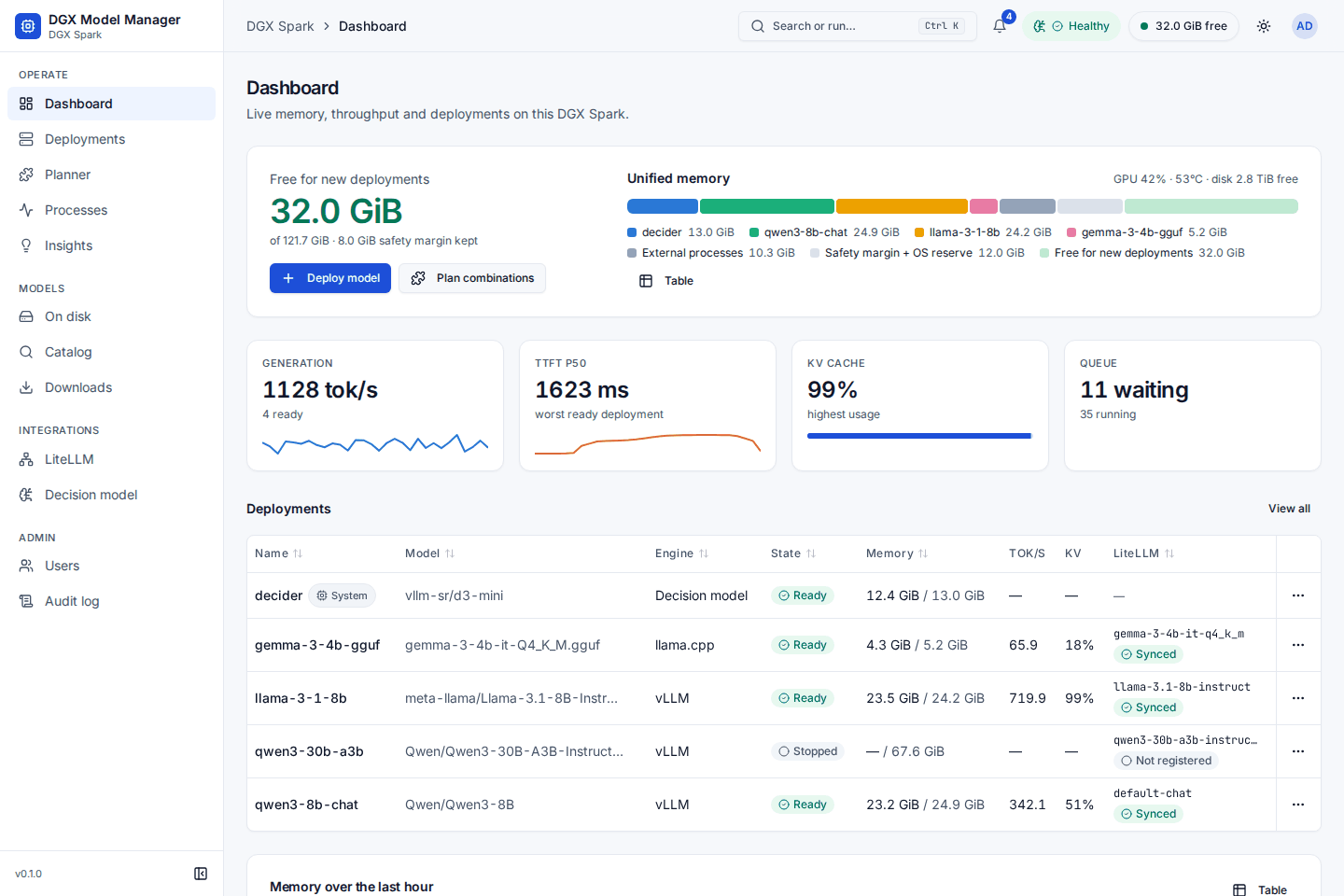
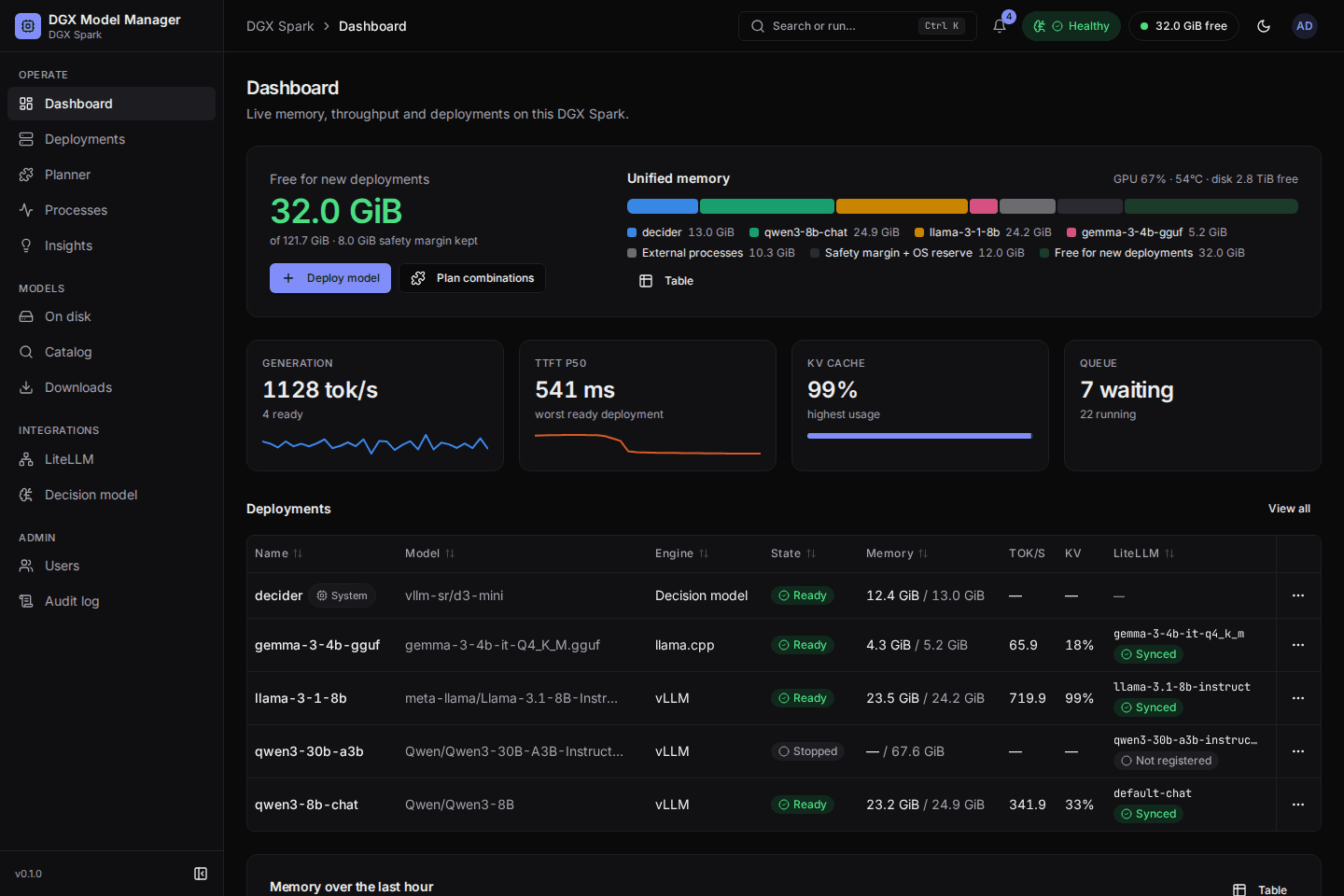
Key capabilities
-
Memory-safe deploys
Every deploy is previewed against a unified-memory budget with a safety margin. When a model does not fit, DGXMM offers plans and does nothing until you confirm one.
-
vLLM and llama.cpp
Safetensors models on vLLM, GGUF files on llama.cpp. Switch or reconfigure with automatic rollback; engines start one at a time.
-
One endpoint, virtual keys
Each ready deployment is one model on a LiteLLM
/v1endpoint. Virtual keys with model restrictions, budgets and expiry; an existing LiteLLM or a bundled one. -
Advisory decision model
An optional small local model for 16 features: failure diagnosis, suggested configs, health triage, routing advice and more. Rules first, never without your confirmation.
-
Insights and schedules
Findings from background checks with an action that opens the normal dialog, and sleep/wake schedules proposed from 30 days of traffic.
-
Observability
Live throughput, latency, KV-cache usage and queue depth, 30 days of history, tuning advice, a built-in benchmark and every process using memory on the box.
Quick start
On a DGX Spark with Docker, the Compose plugin and the NVIDIA runtime (see the requirements):
Open the URL it prints, sign in as admin with the printed password and choose a new one. Add
--with-litellm for a bundled LiteLLM endpoint and --with-decider for the decision model, or run
./install.sh --dry-run first to see what it would do.
Where to next
-
Getting started
Requirements, install options, first login, upgrade and uninstall.
-
User guide
The UI page by page, from the dashboard to calling your models.
-
Architecture
Components, the memory budget, the deployer, the decision model and the data model.
-
Configuration
Every setting with its default, networking, reverse proxies and LiteLLM.
-
Operations
Backups, logs, the admin command line and troubleshooting.
-
Security
The threat model, hardening and how to report a vulnerability.
DGXMM is open source under the MIT License: github.com/nikghodki/dgxmodelmanager. The screenshots on this site show a demo instance with made-up data.