Features
Deploy and memory safety
- Every deploy is previewed first: an estimate split into weights, KV cache, activations and runtime, checked against a memory budget that keeps a safety margin, so a deployment cannot run the host out of memory.
- When a model does not fit, DGXMM offers plans (fp8 KV cache, shorter context, fewer sequences, a smaller quantization already on disk, or sleeping or stopping lower-priority deployments) and does nothing until you confirm one.
- Hugging Face safetensors models run on vLLM, GGUF files on llama.cpp. Extra engine flags are checked against an allowlist, and the default vLLM image is pinned by digest.
- Switch a deployment to another model or reconfigure it, with automatic rollback if the new one does not become ready. Estimates are calibrated from measured memory after each start.
- On-demand models: a model starts on its first request through LiteLLM and is stopped after 5 idle minutes. The deploy wizard preselects it when the LiteLLM integration is enabled and synced (always on otherwise; the API defaults to always on). When memory is short, idle on-demand models make room or the request is queued, with a visible notice for streaming clients. See on-demand models.
- Engines start one at a time: a deployment started while another one loads waits as Queued with its memory reserved, so vLLM's start-up memory check is never disturbed.
Smart features (optional decision model)
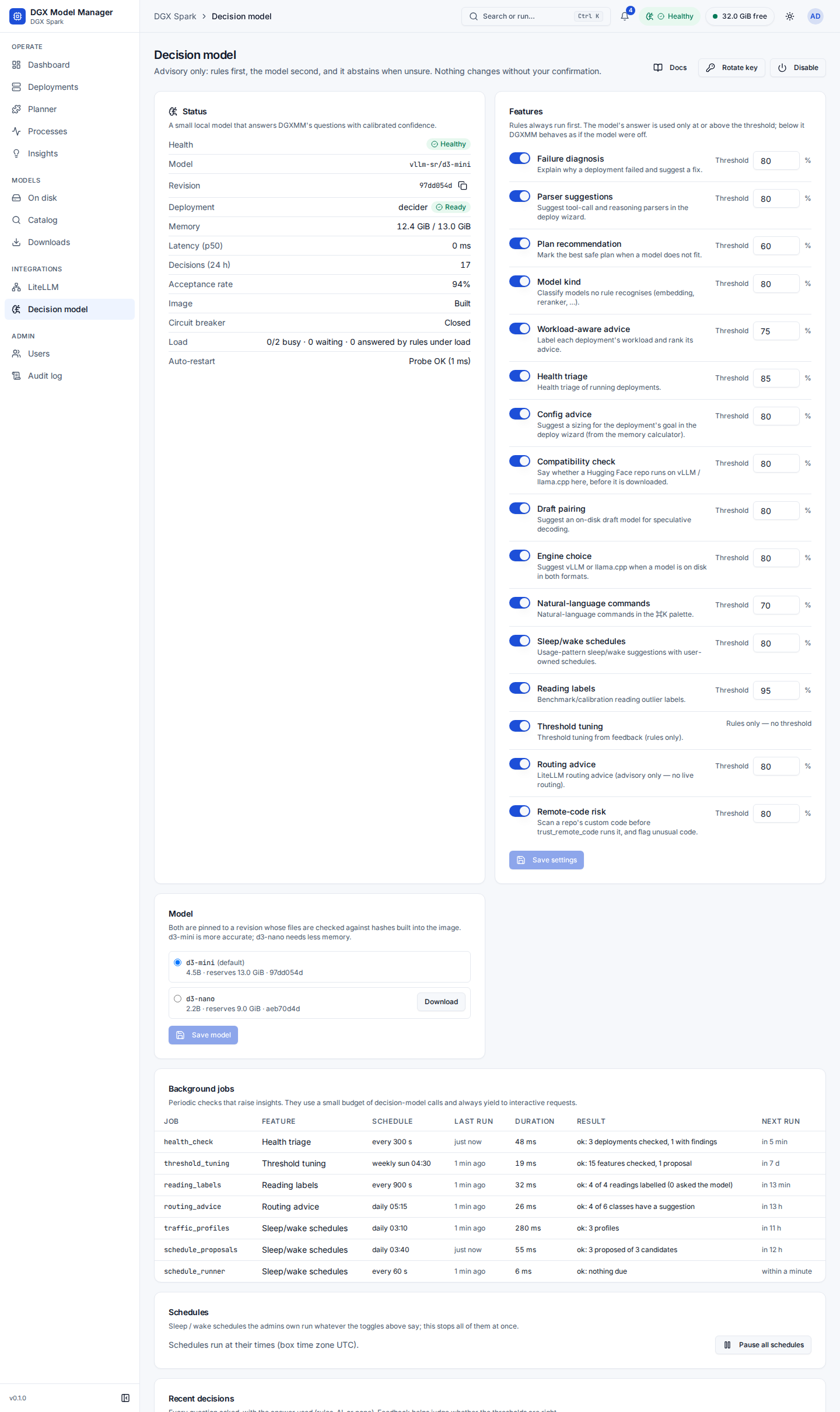
All of them are advisory: rules run first, the model is asked only when no rule answers and its answer is used only above a confidence threshold. The model is off by default; the rules work without it.
- Failure diagnosis: why a deployment failed (out of memory, KV cache too small, context too long, gated repo, bad parser, port in use, disk full, …) with a fix hint and Apply fix…, which prefills Reconfigure for you to review.
- Parser suggestions: the tool-call and reasoning parser for a model in the deploy wizard.
- Plan recommendation: unsafe plans (stopping a busy, depended-on or higher-priority deployment) are marked, and one safe plan is Recommended.
- Model-kind detection: embeddings, rerankers, drafts, speech, vision and classifier models are told apart from chat LLMs.
- Workload-aware advice: each deployment's traffic is labelled (chat, agent, batch, RAG, idle) and its tuning advice ordered by it.
- The model (
vllm-sr/d3-mini, or the smallerd3-nano) runs locally in a locked-down container on an internal network; every answer shows its source (Rules or AI with its confidence) and can be rated. Each of the 16 features has its own switch, and each one that asks the model its own threshold. See decision model and how they were measured in decider-evaluation.
Smart deploy
- Suggested config for a goal (chat, agents, batch, long context): sizings from the memory calculator that fit the free memory; Fill never overwrites what you typed.
- Engine suggestion (vLLM or llama.cpp) and a suggested draft model for speculative decoding, from the models on your disk.
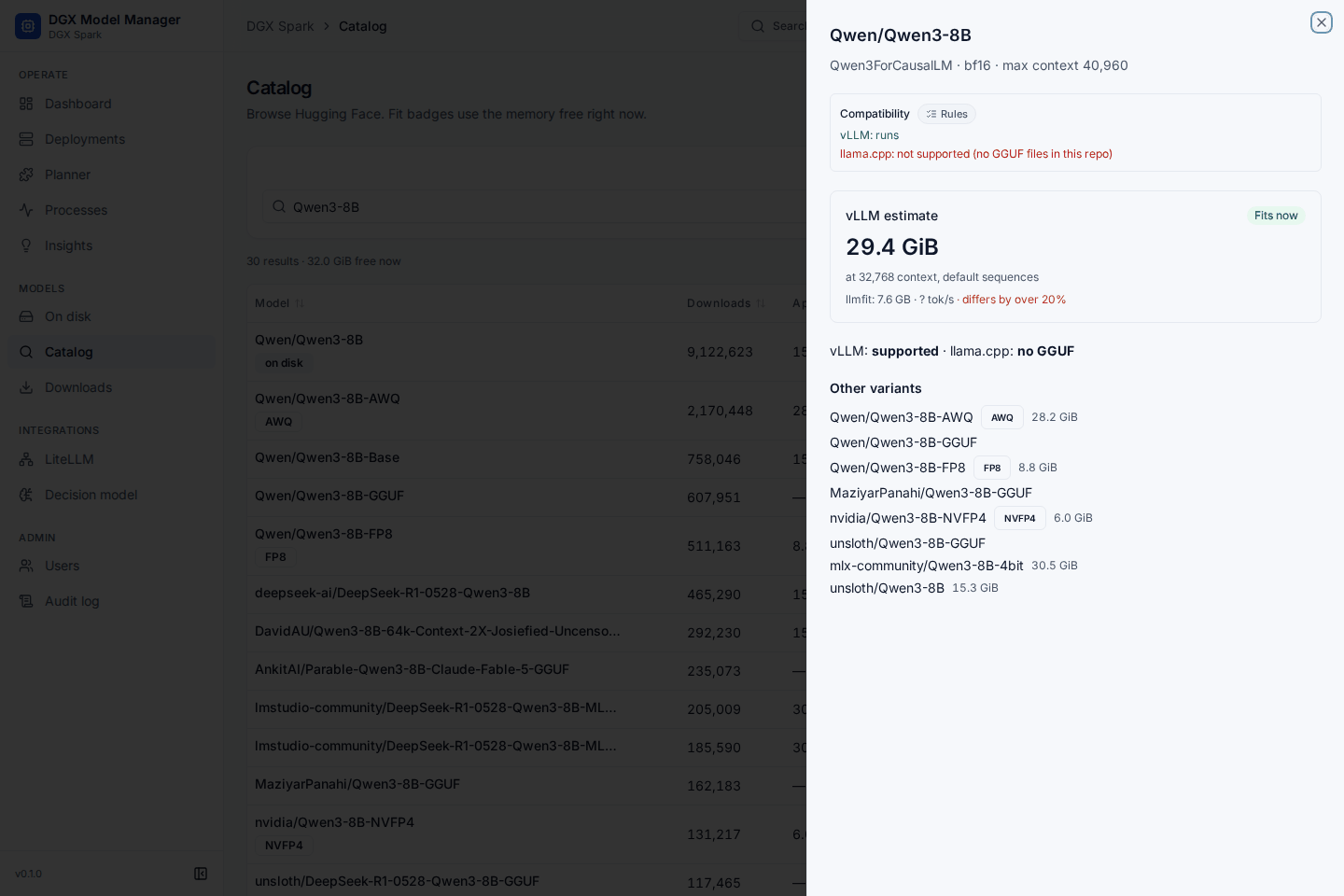
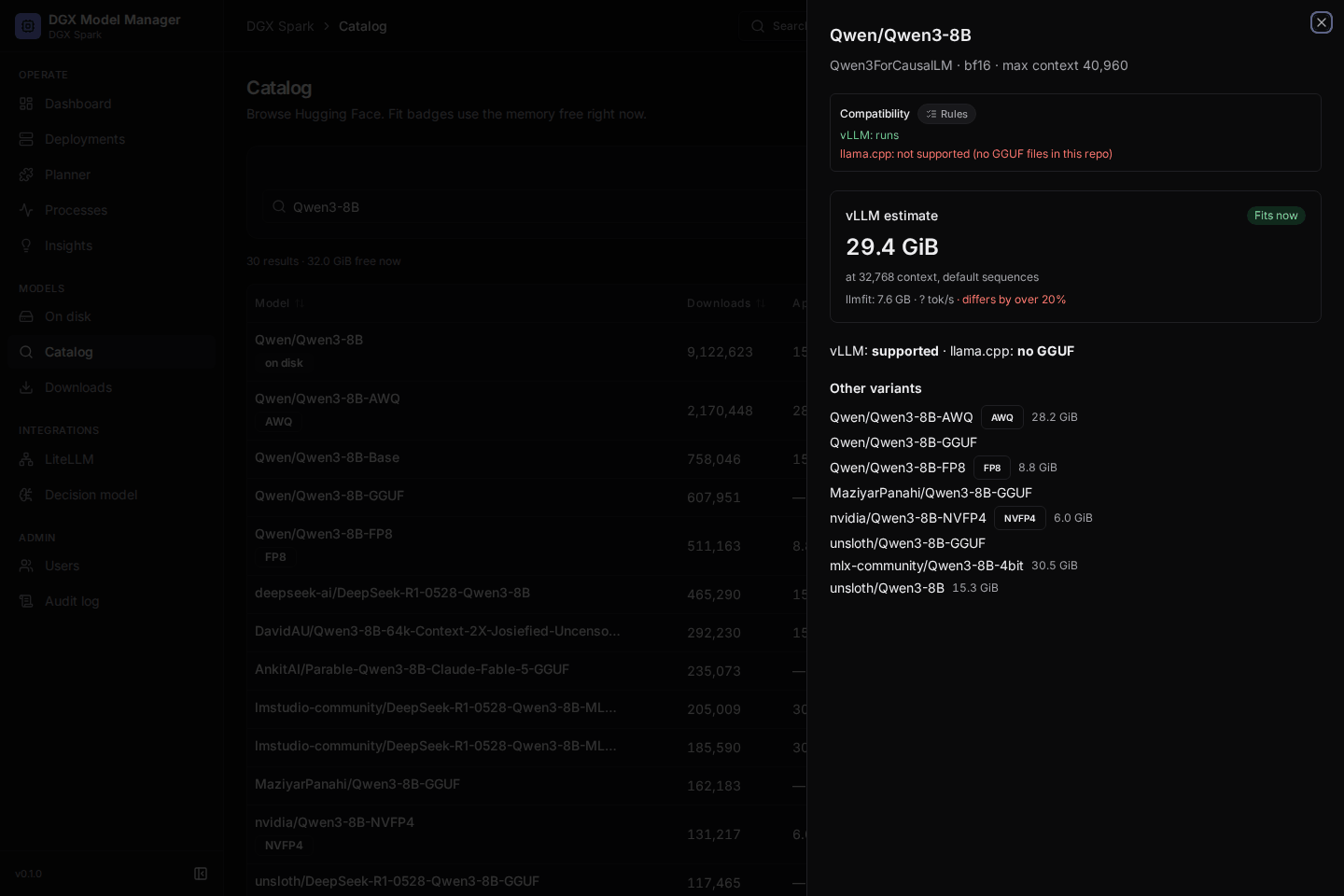
- Compatibility check in the catalog before you download: does it run on vLLM or llama.cpp here, and does it need trust_remote_code, an HF token or a chat template.
- Remote-code check: before trust_remote_code runs a repository's code, its Python files are scanned statically (never imported) and findings are listed with file and line.
Operations insights
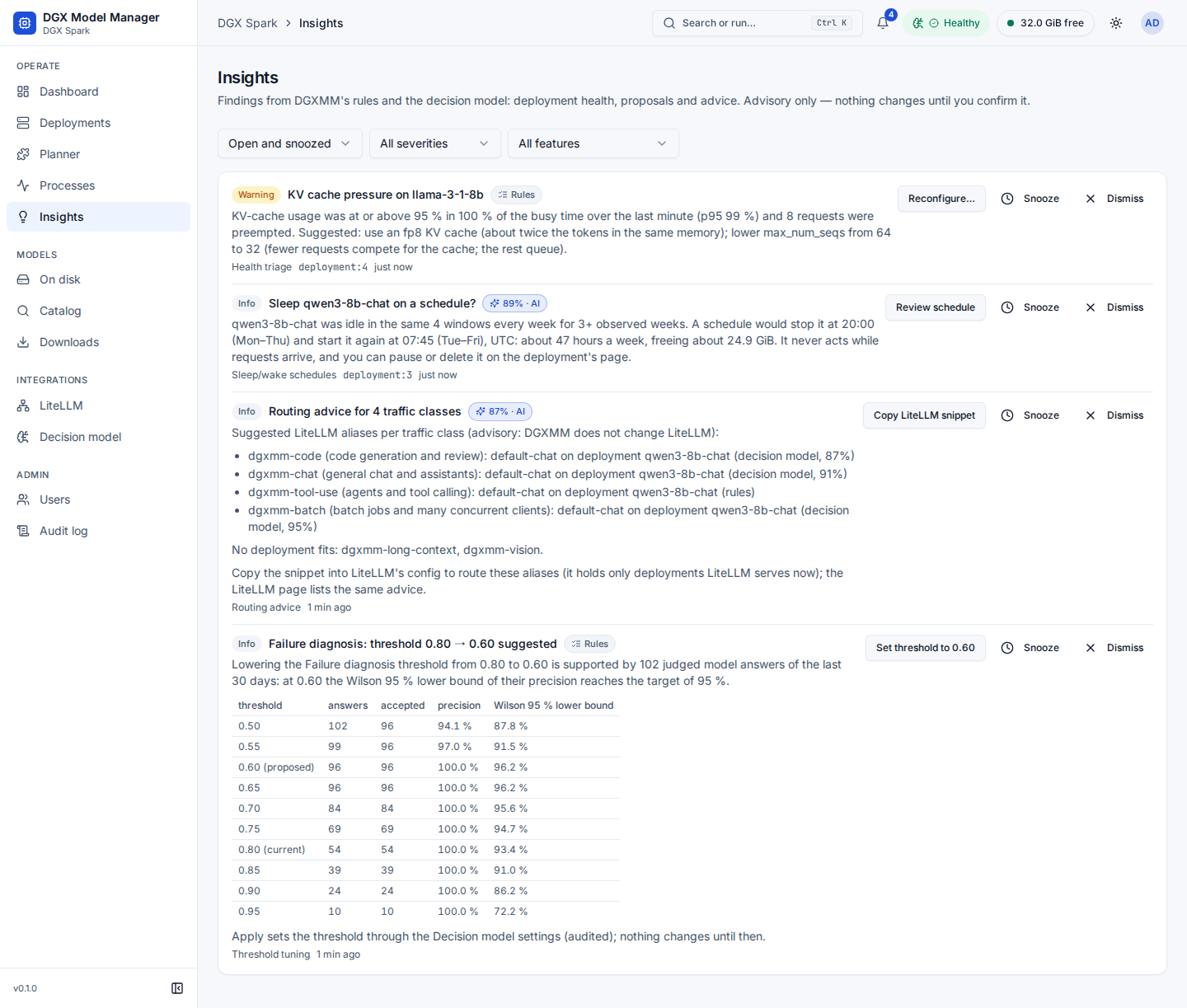
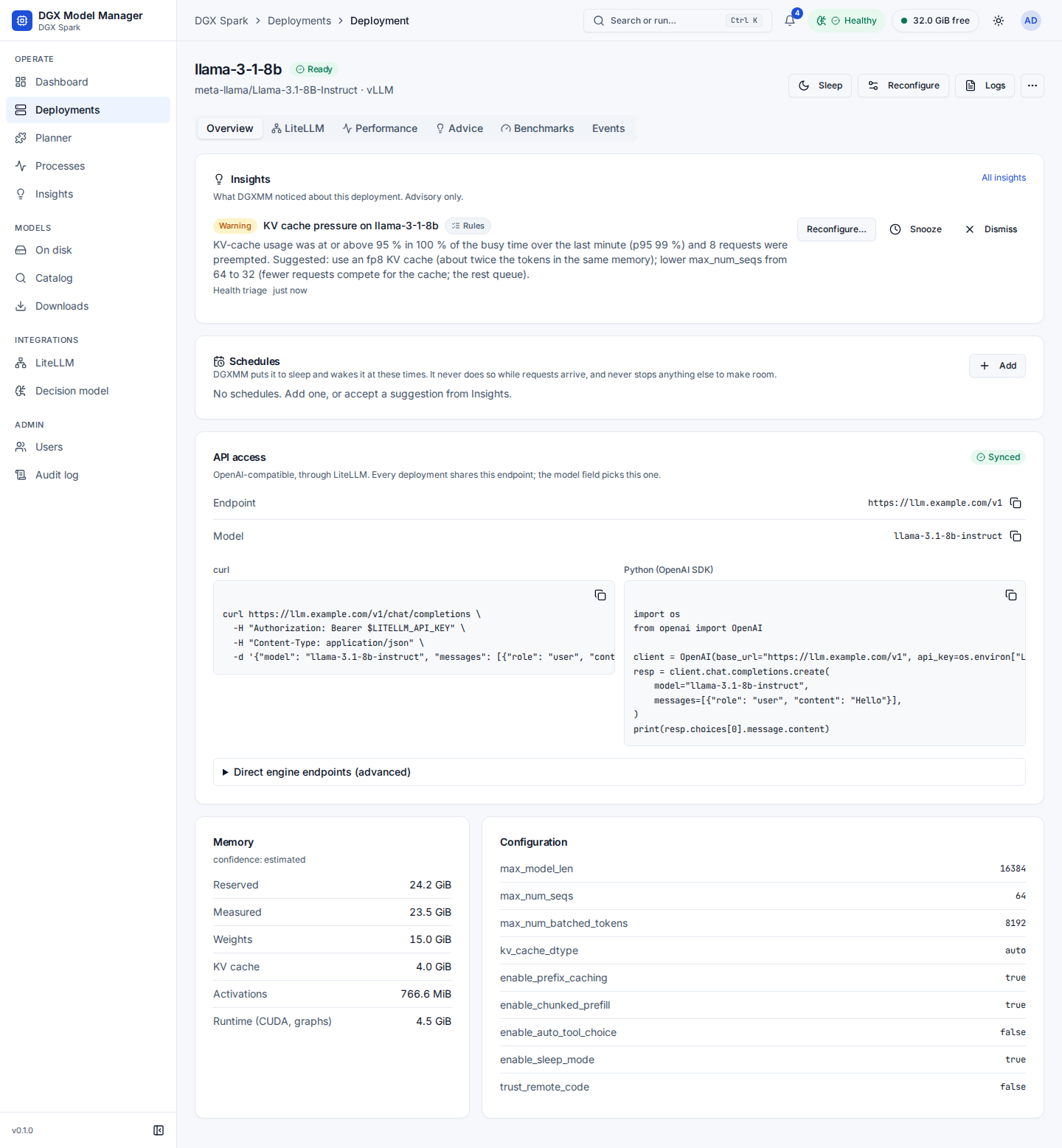
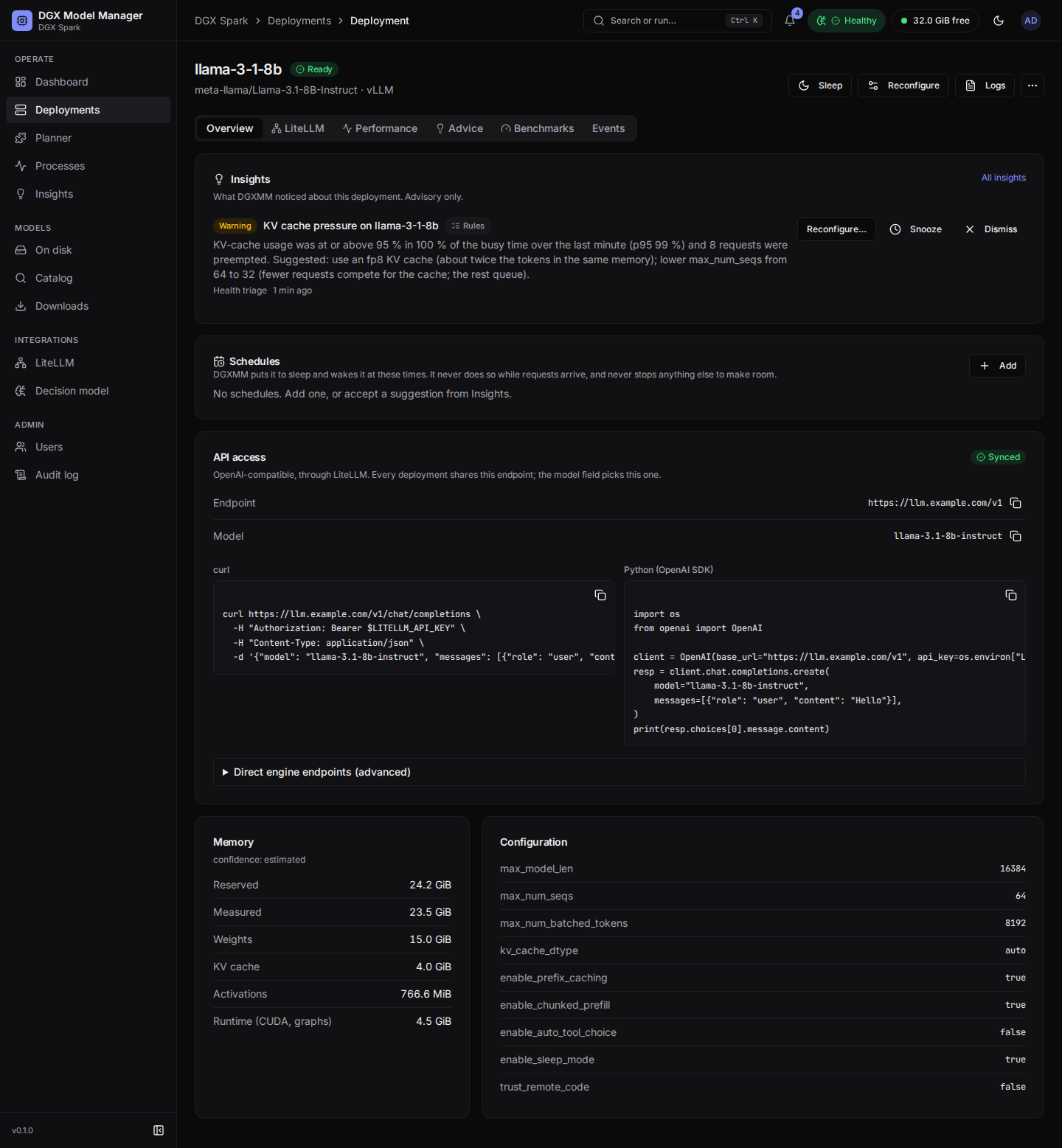
- An Insights page, a count in the top bar and a card on each deployment: findings from background checks with an action that opens the normal dialog.
- Health triage every 5 minutes (KV-cache pressure, preemptions, throughput drops, rising errors, bad client requests) with a suggested reconfigure fix.
- Reading labels for benchmark and memory readings (plausible, contended, cold cache, broken), so only plausible ones feed calibration and advice.
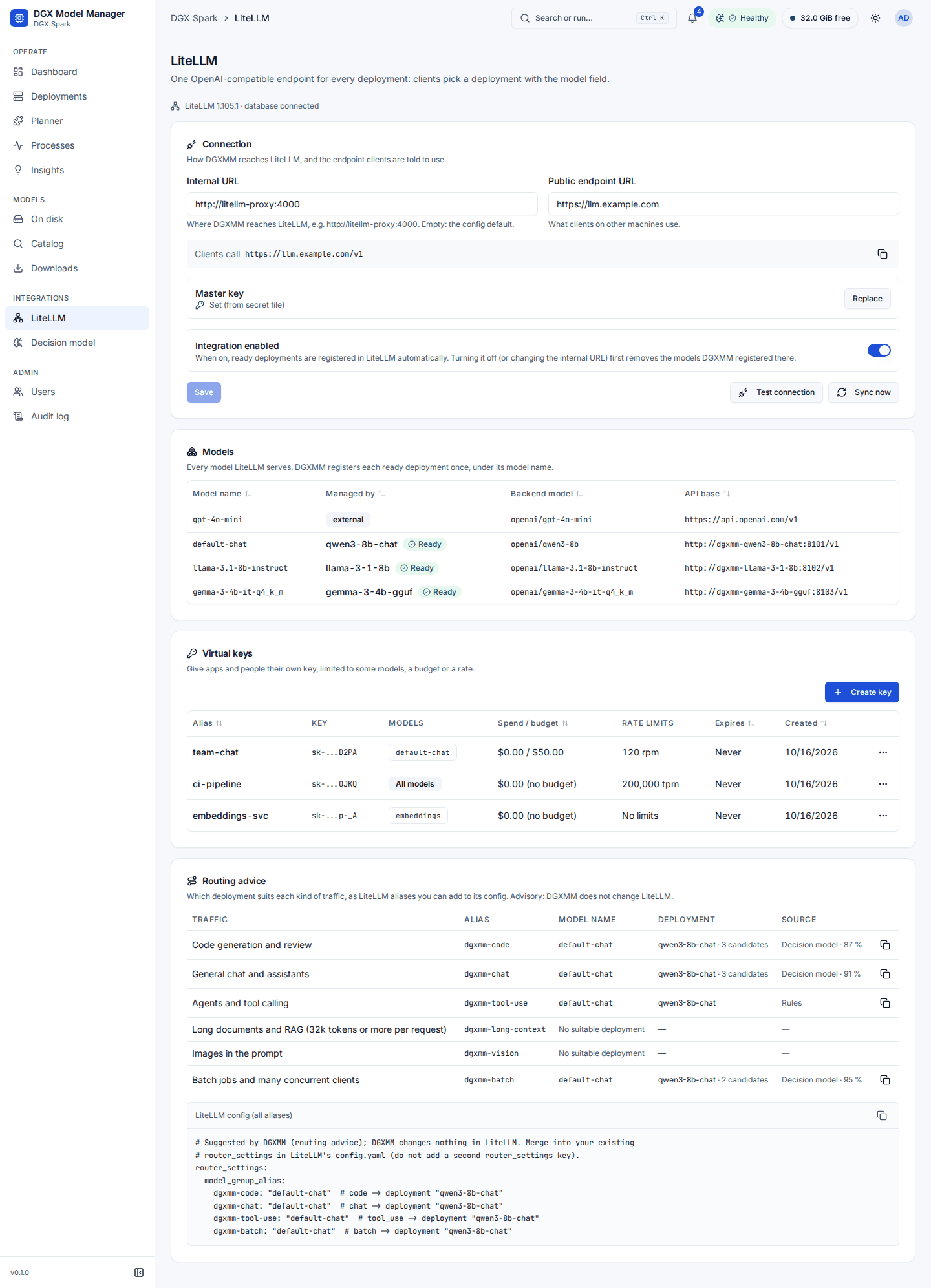
- Threshold tuning from your feedback (rules only), and LiteLLM routing advice per traffic class with a copyable alias snippet. DGXMM never changes LiteLLM itself.
Schedules
- Sleep/wake (or stop/start) schedules you own per deployment, and proposals from 30 days of traffic. A schedule never acts while requests arrive and never stops anything else to make room; Pause all schedules stops every one of them.
⌘K
- Ask in the command palette: "put the qwen chat model to sleep", "deploy qwen3 0.6b with 8k context", "free 20 GiB". Every interpretation opens the normal confirmation; removal, weight deletion and user administration are refused.
Models and storage
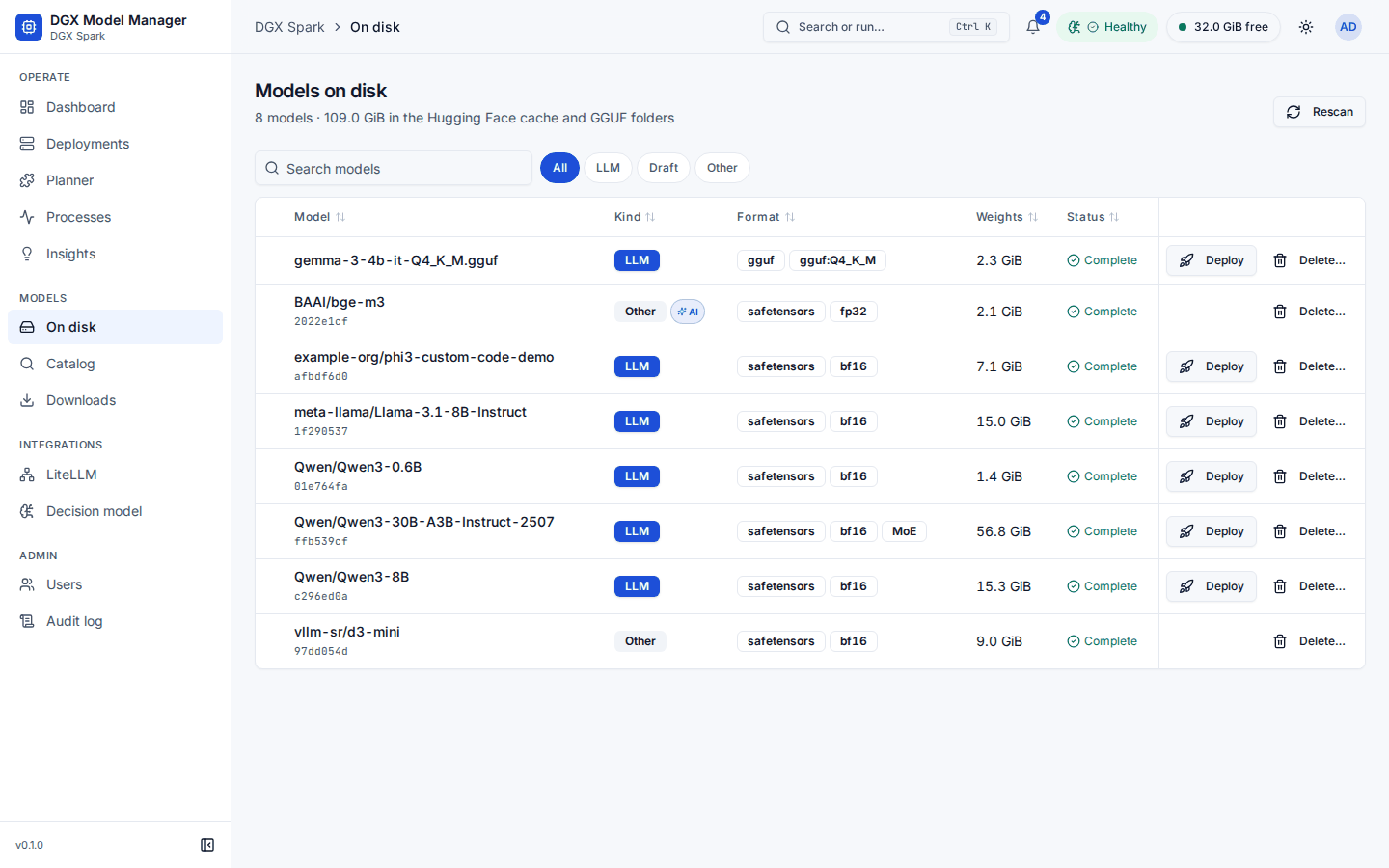
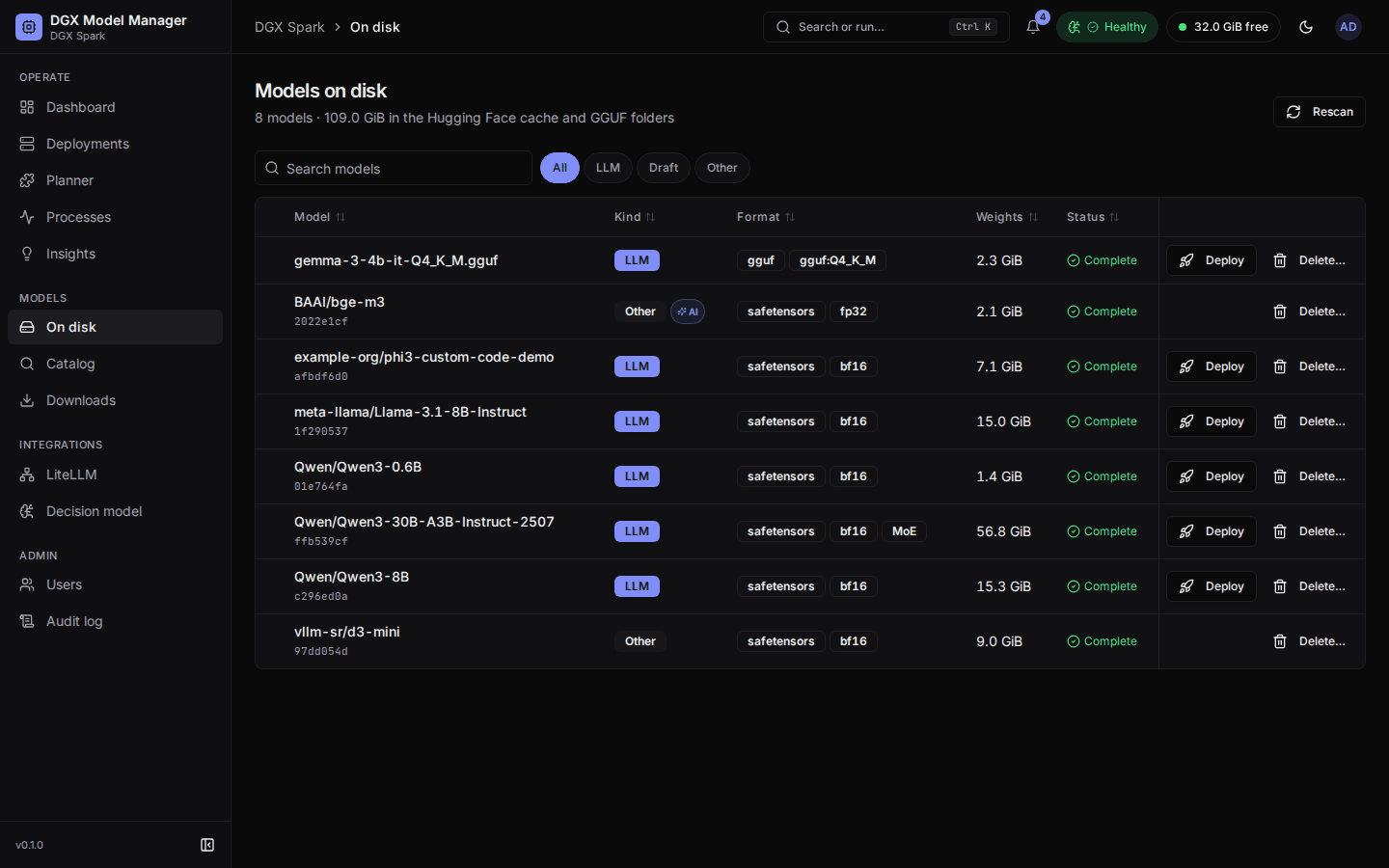
- On disk lists everything in the Hugging Face cache and your GGUF directories, with the engines that can serve each model.
- Catalog searches Hugging Face with fit badges (Fits now, Fits if you evict, Too big) and downloads into your HF cache. Planner shows which models can run together.
- Delete downloaded weights (a whole Hugging Face repo or a GGUF file with its shards) and clean up interrupted downloads. Models used by running deployments are protected, and root-owned files left by engine containers are removed by a short-lived, locked-down helper container.
LiteLLM gateway
- One endpoint for every model: each ready deployment is registered once in LiteLLM under its model
name, so clients call a single
/v1endpoint and pick the deployment with"model". Model names are unique, and a name moves with Switch model, so clients keep working. - Virtual keys with model restrictions, budgets, rate limits and expiry, managed from DGXMM's LiteLLM page or from a deployment's LiteLLM tab. A new key is shown once.
- Use your existing LiteLLM, or let
./install.sh --with-litellmrun a bundled LiteLLM with its own Postgres, already wired to DGXMM.
Observability
- A dashboard with free memory, a unified-memory bar, throughput, latency, KV-cache usage and queue depth, live over server-sent events; per-deployment charts with 30 days of 1-minute history.
- Tuning advice from measured metrics, and a built-in benchmark at several concurrency levels.
- Processes: every process using memory on the box, with its container, user, RAM and GPU memory and its command line, with passwords, tokens and keys masked.
Administration
adminandviewerroles; every change is written to an audit log.- Argon2id passwords, CSRF protection and login rate limiting; an admin command line for password
resets and the decision model (
docker exec dgxmm python -m dgxmm.admin …). - Light and dark themes, a phone-sized layout and a command palette (⌘K / Ctrl K).
- Times of daily jobs and schedules follow the host's time zone (
DGXMM_TZ, detected by the installer).
Screenshots
The screenshots show a demo instance with made-up data.
  |
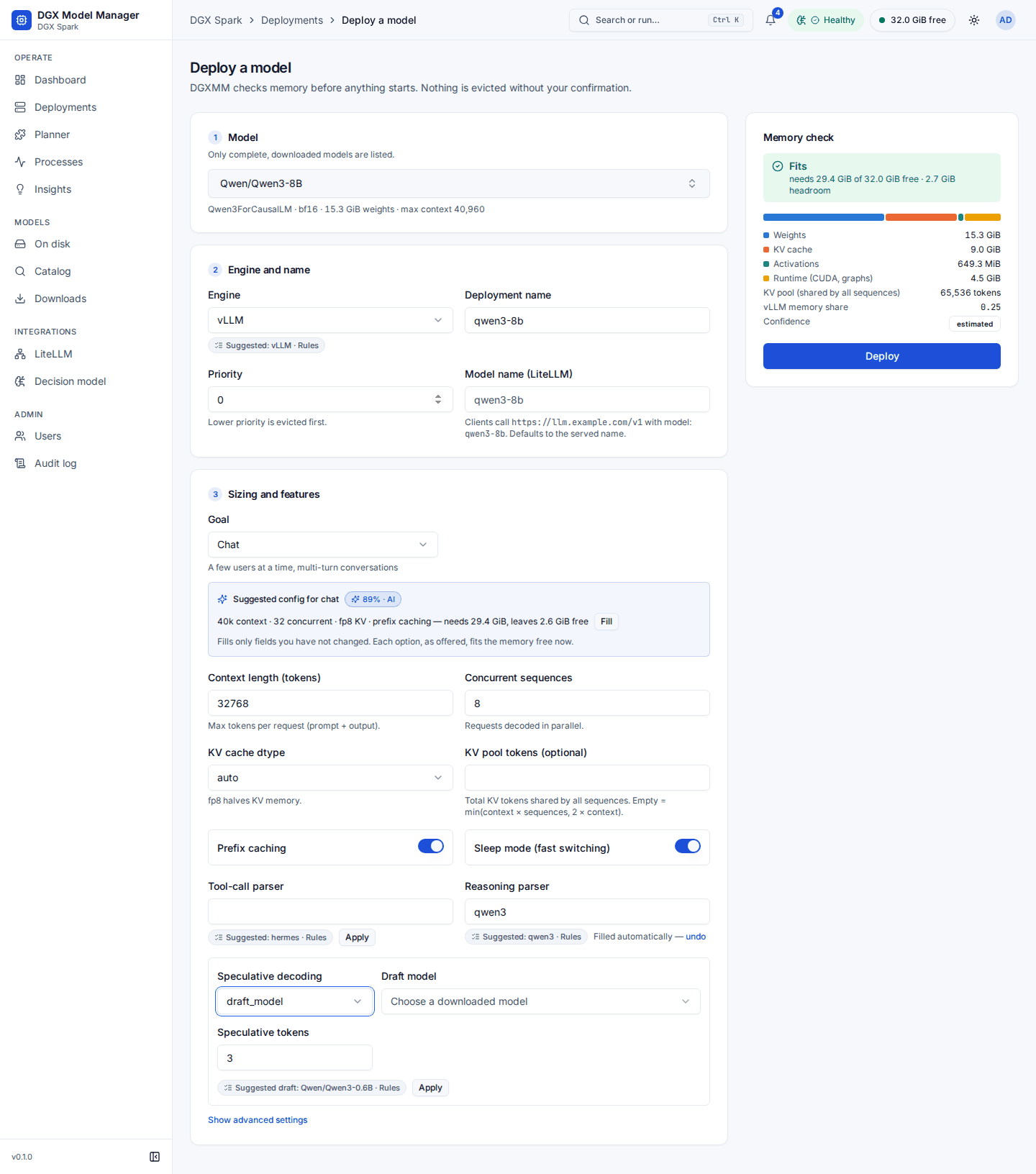 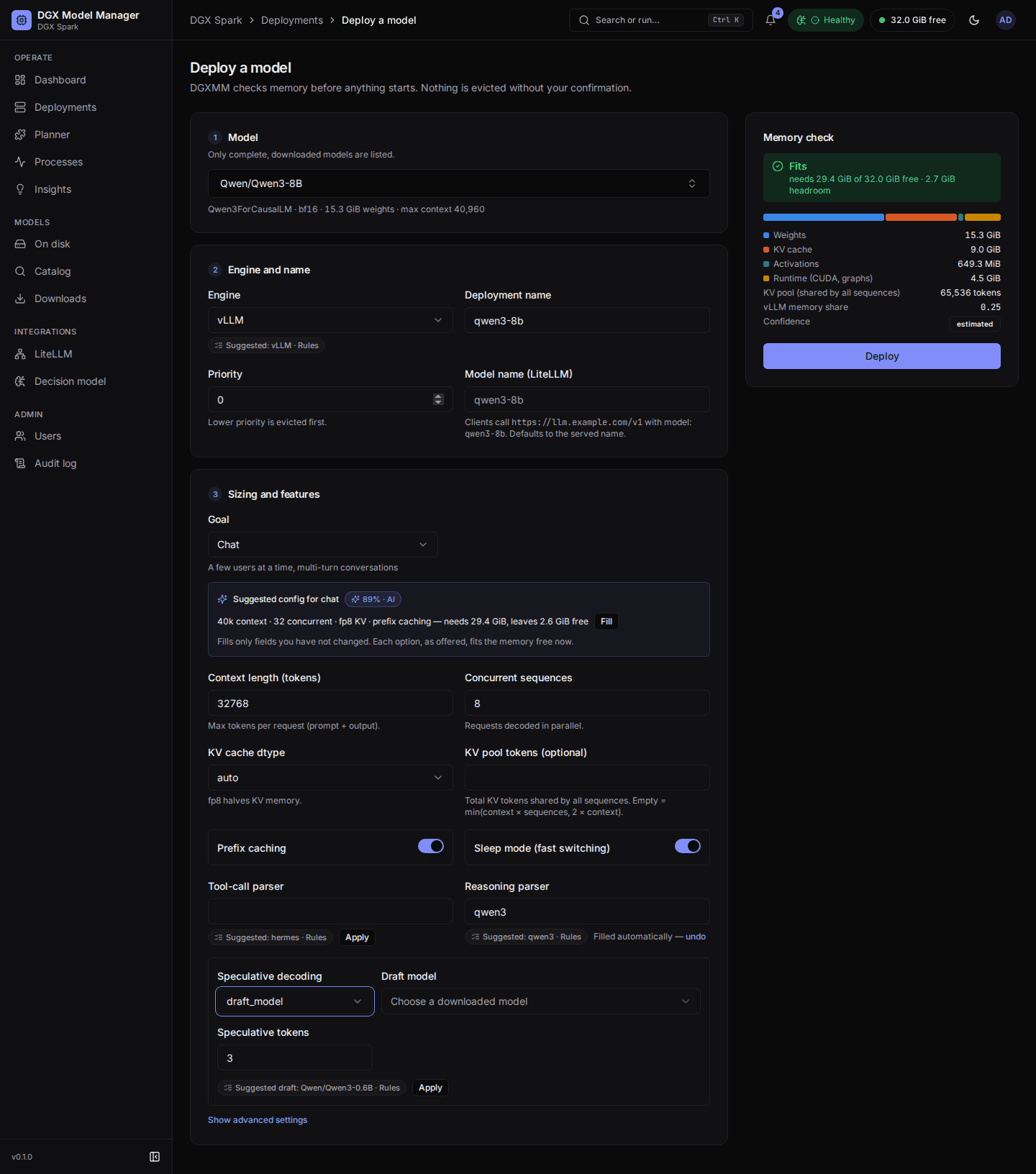 |
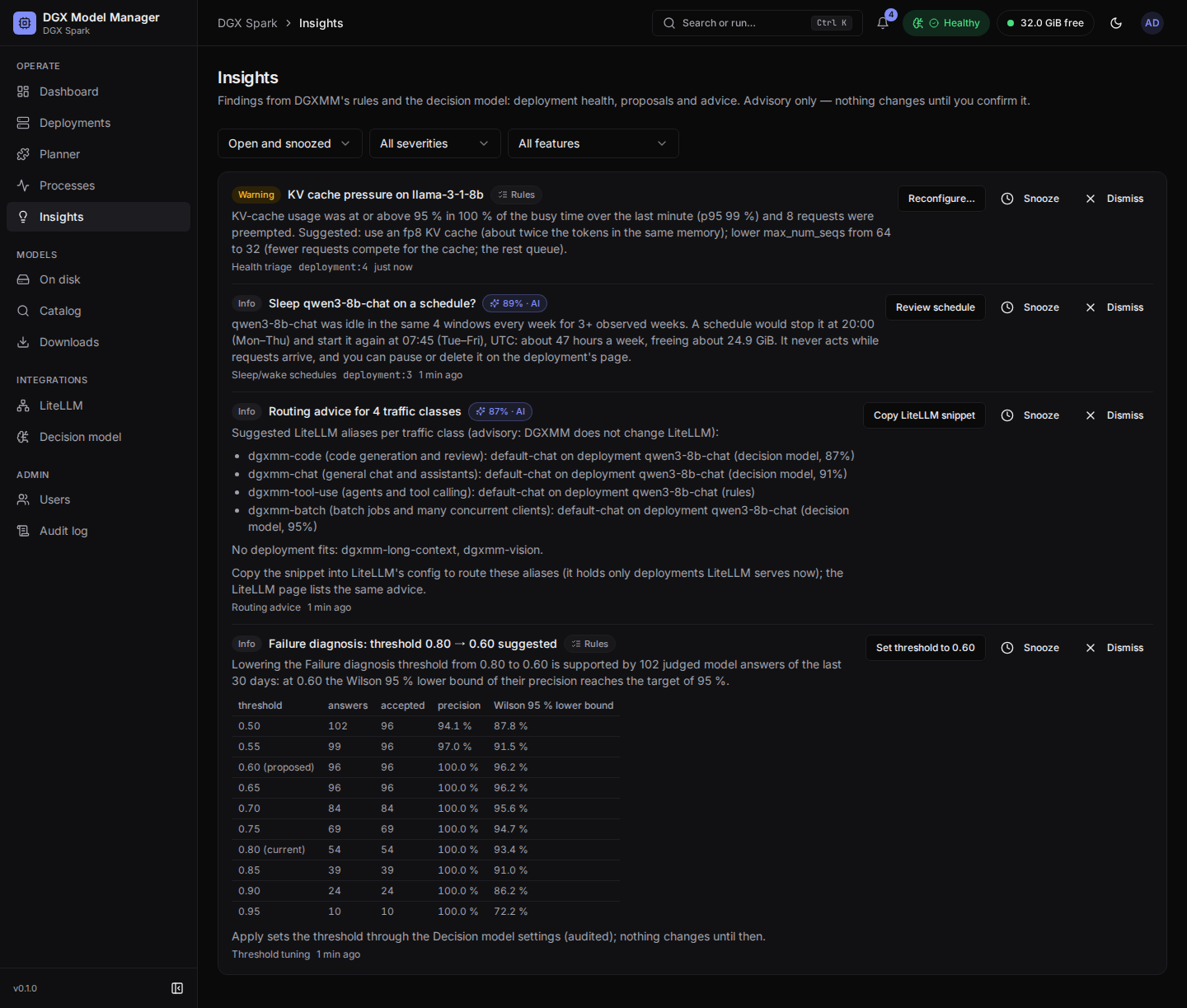
| Insights: health, schedule proposal, routing advice, threshold tuning | Deploy wizard: suggested config, engine, parsers, draft model |
  |
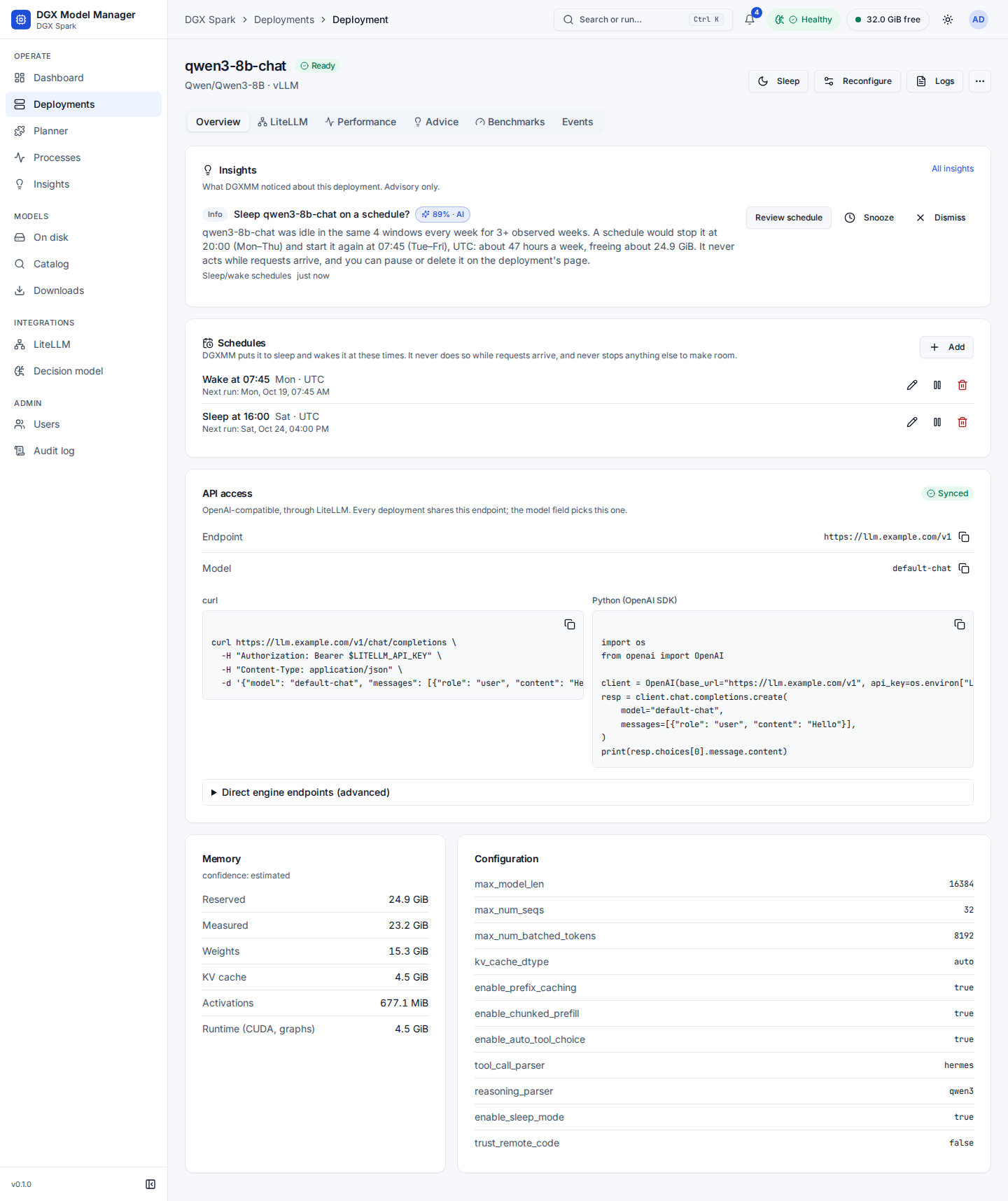 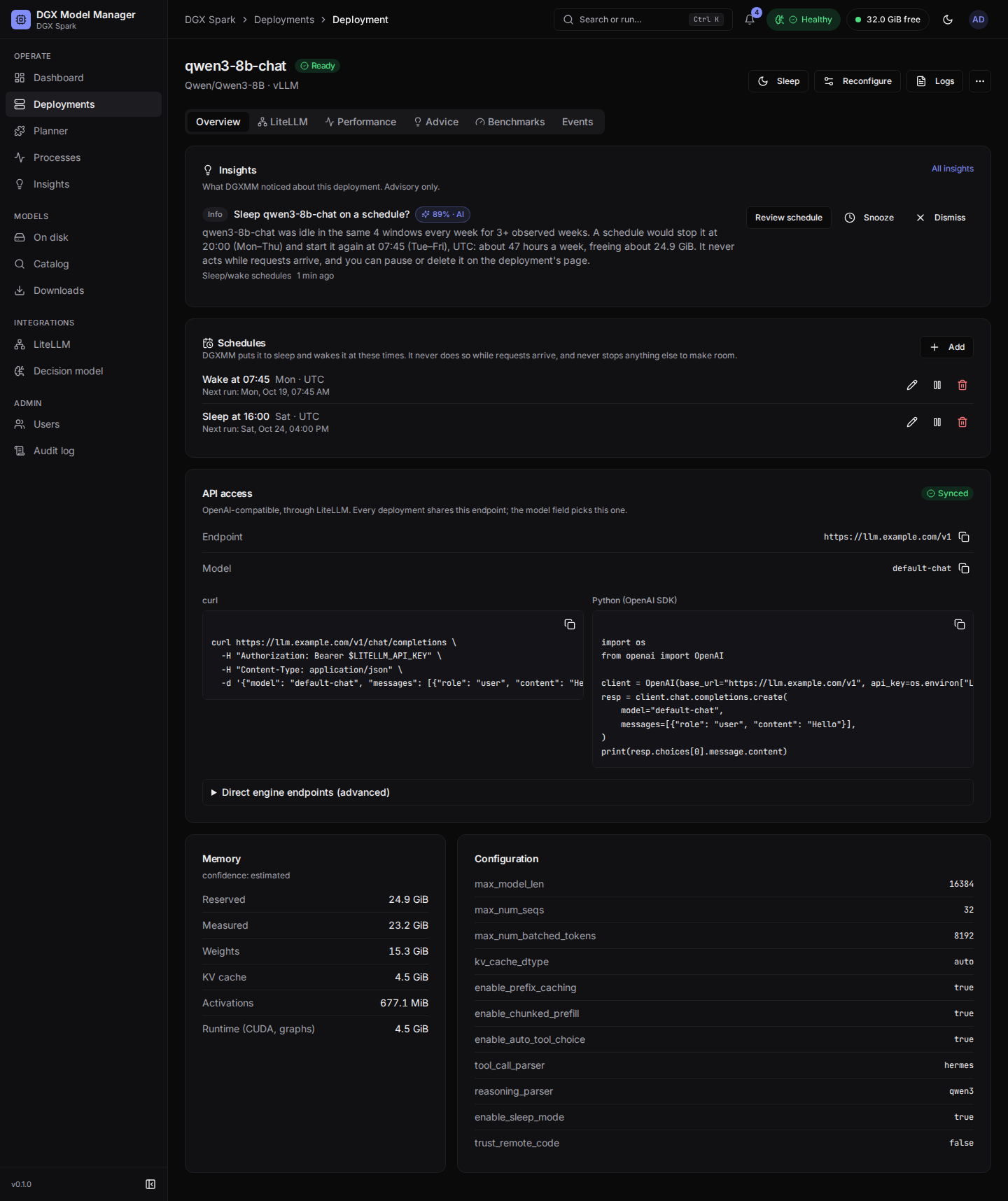 |
| A deployment with a health insight | Schedules on a deployment |
  |
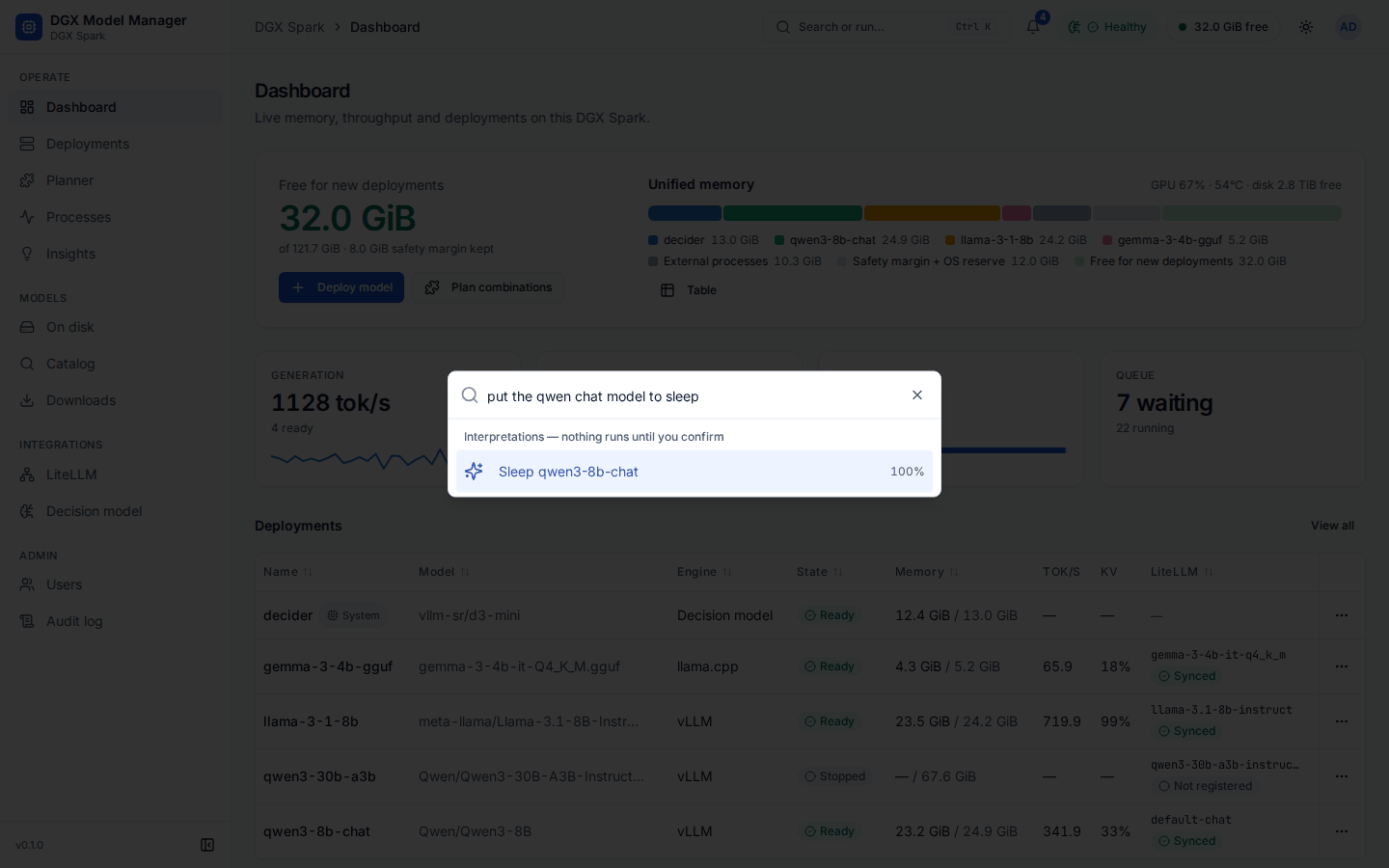 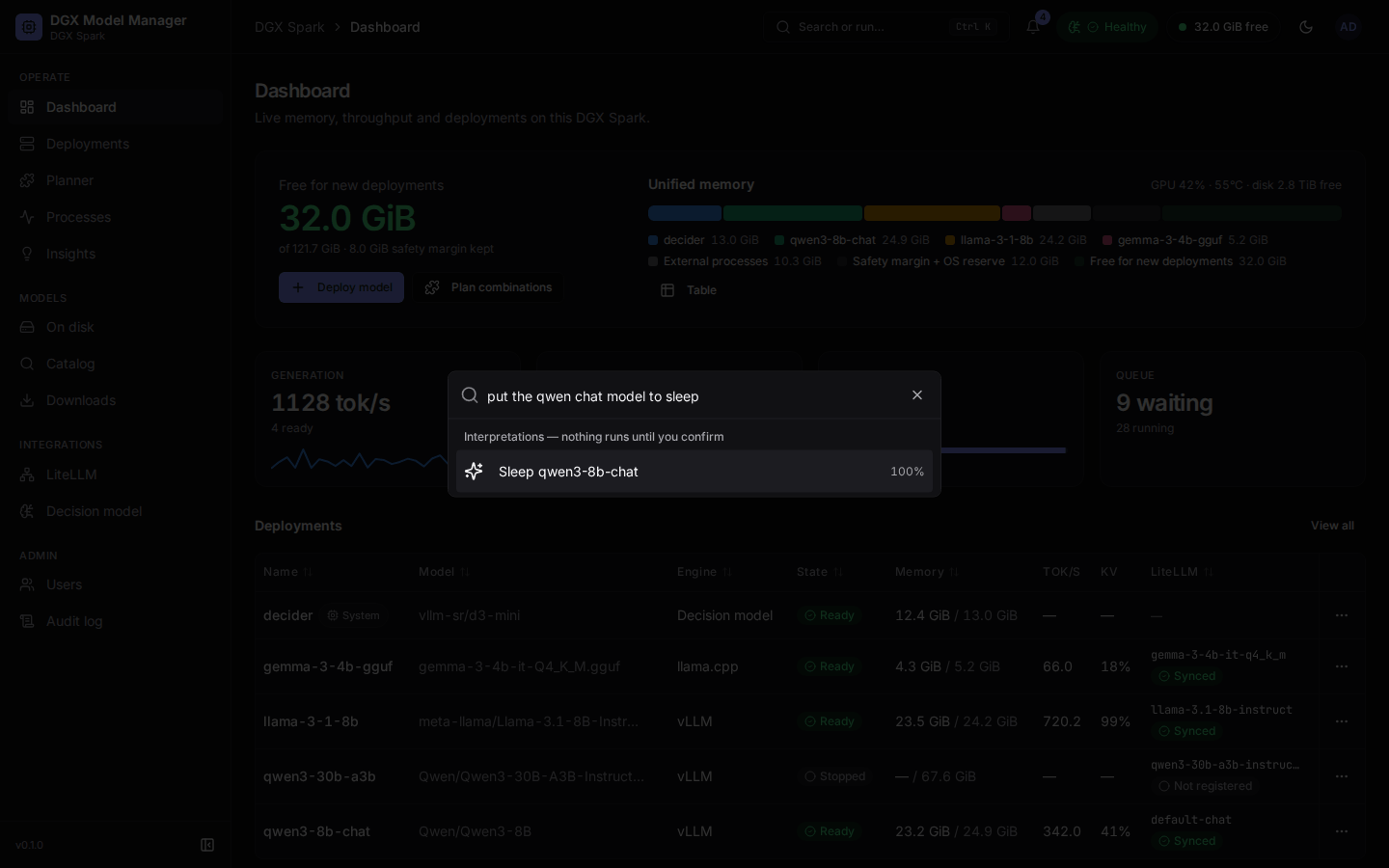 |
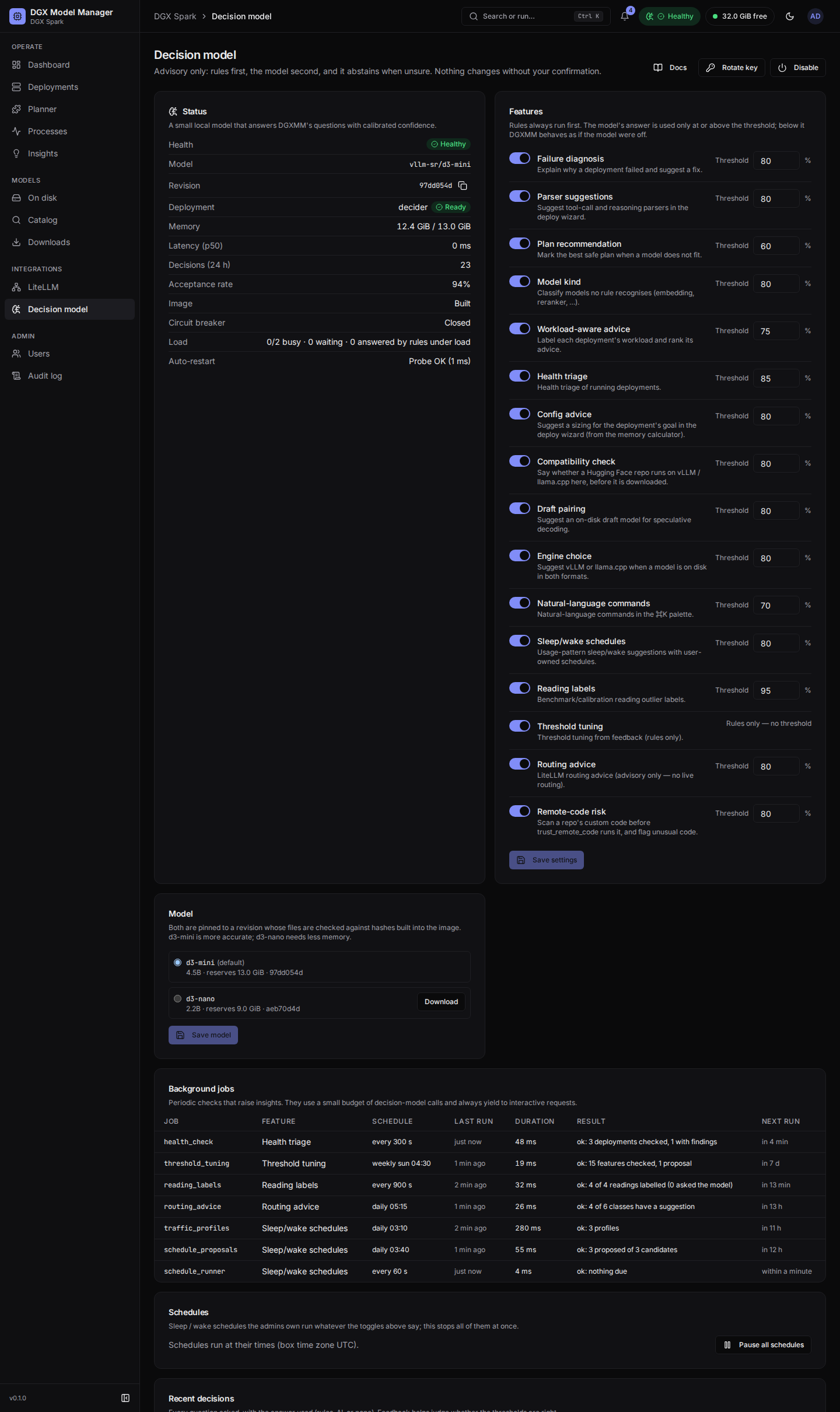
| Decision model: features, thresholds, background jobs | ⌘K Ask |
  |
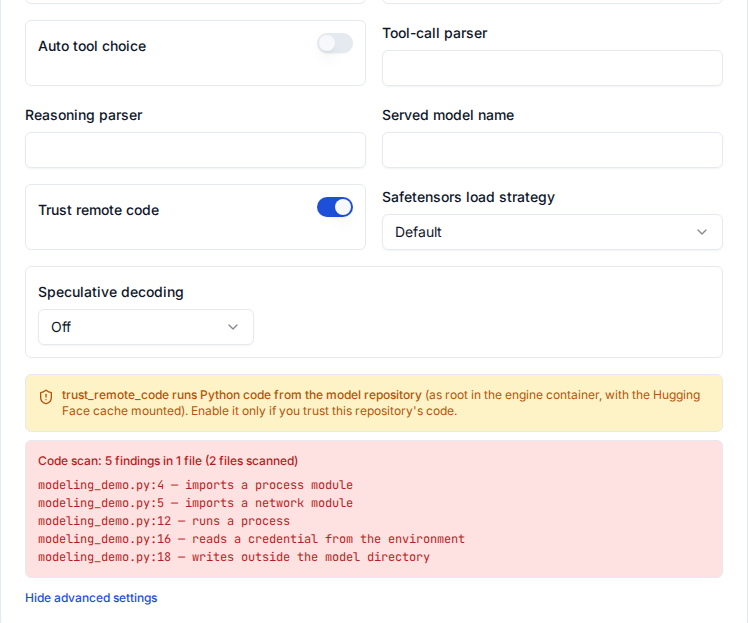 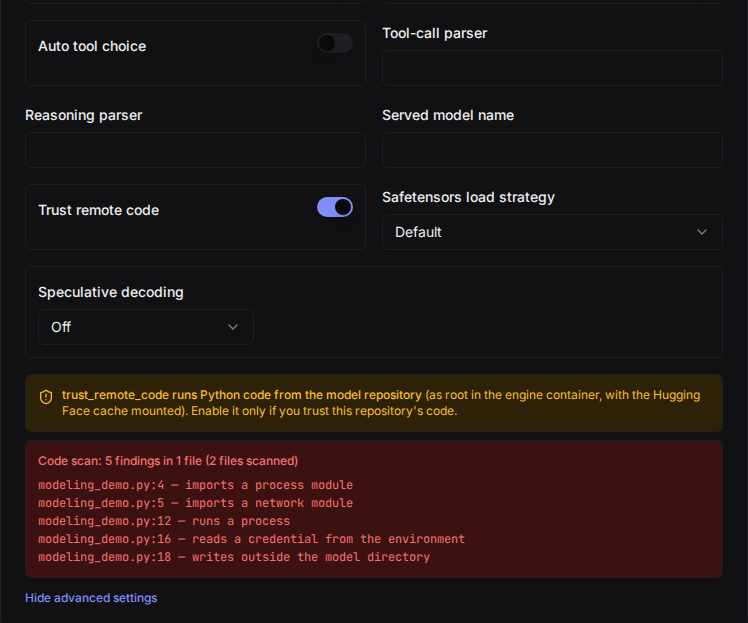 |
| Catalog with the compatibility check | Remote-code check in the wizard |
  |
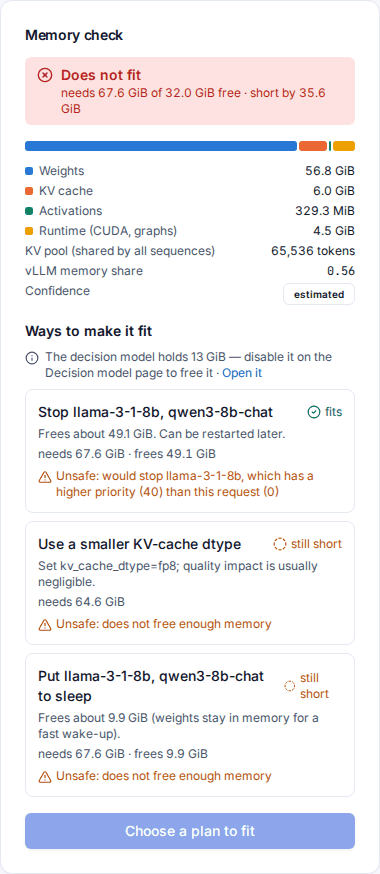 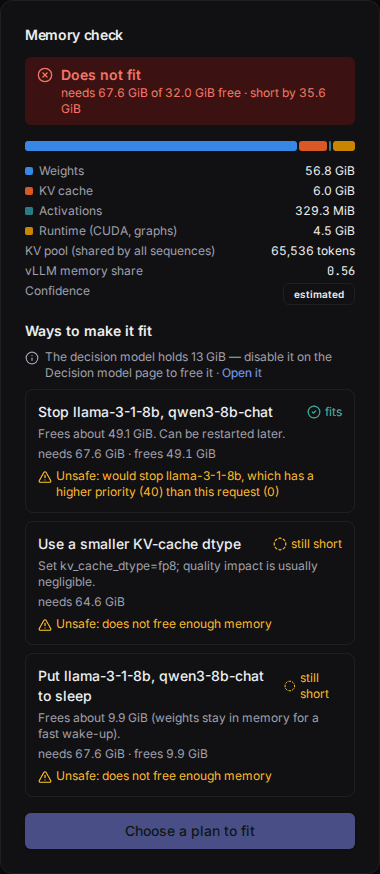 |
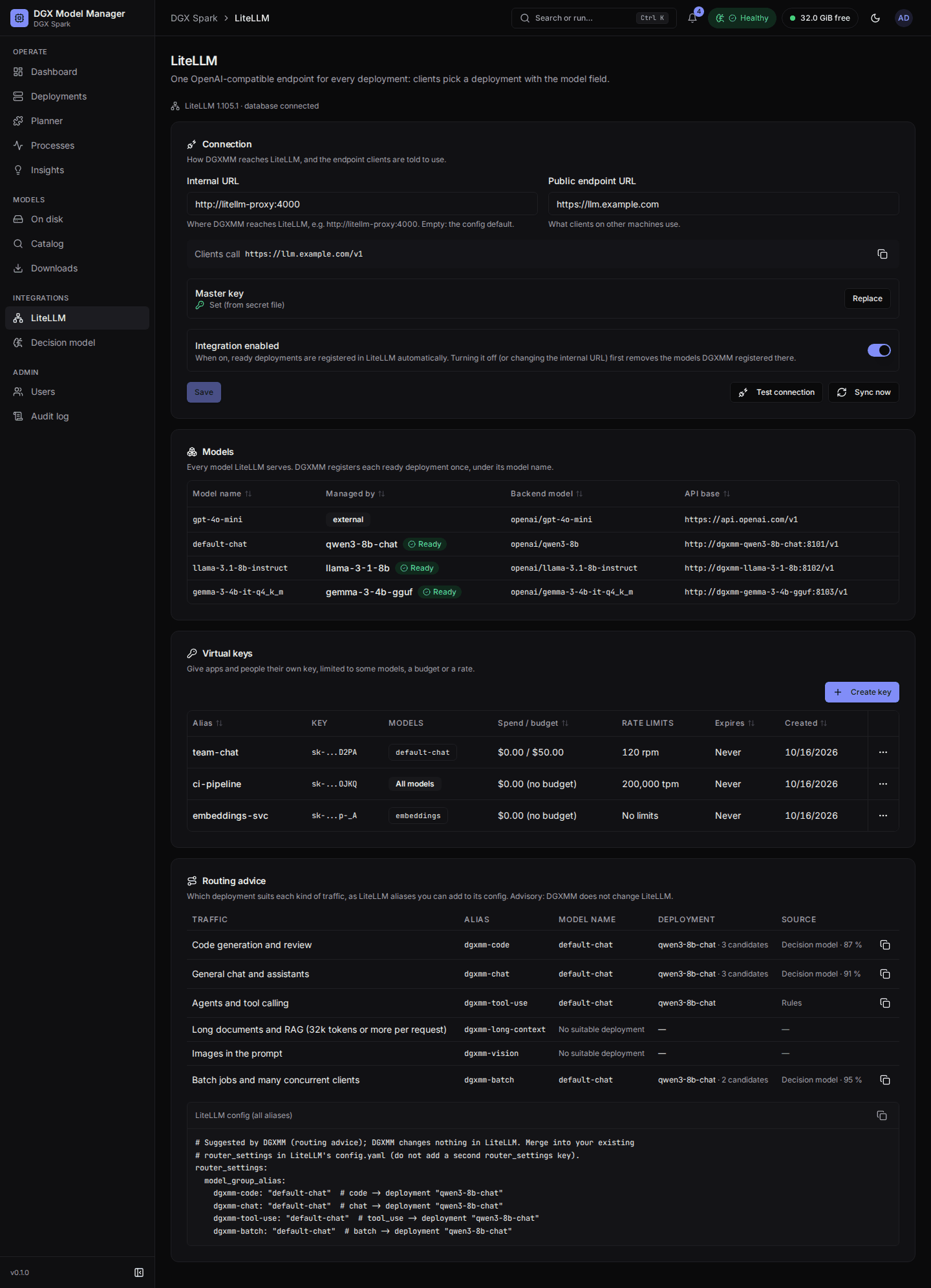
| LiteLLM: models, keys and routing advice | Plans when a model does not fit |
  |
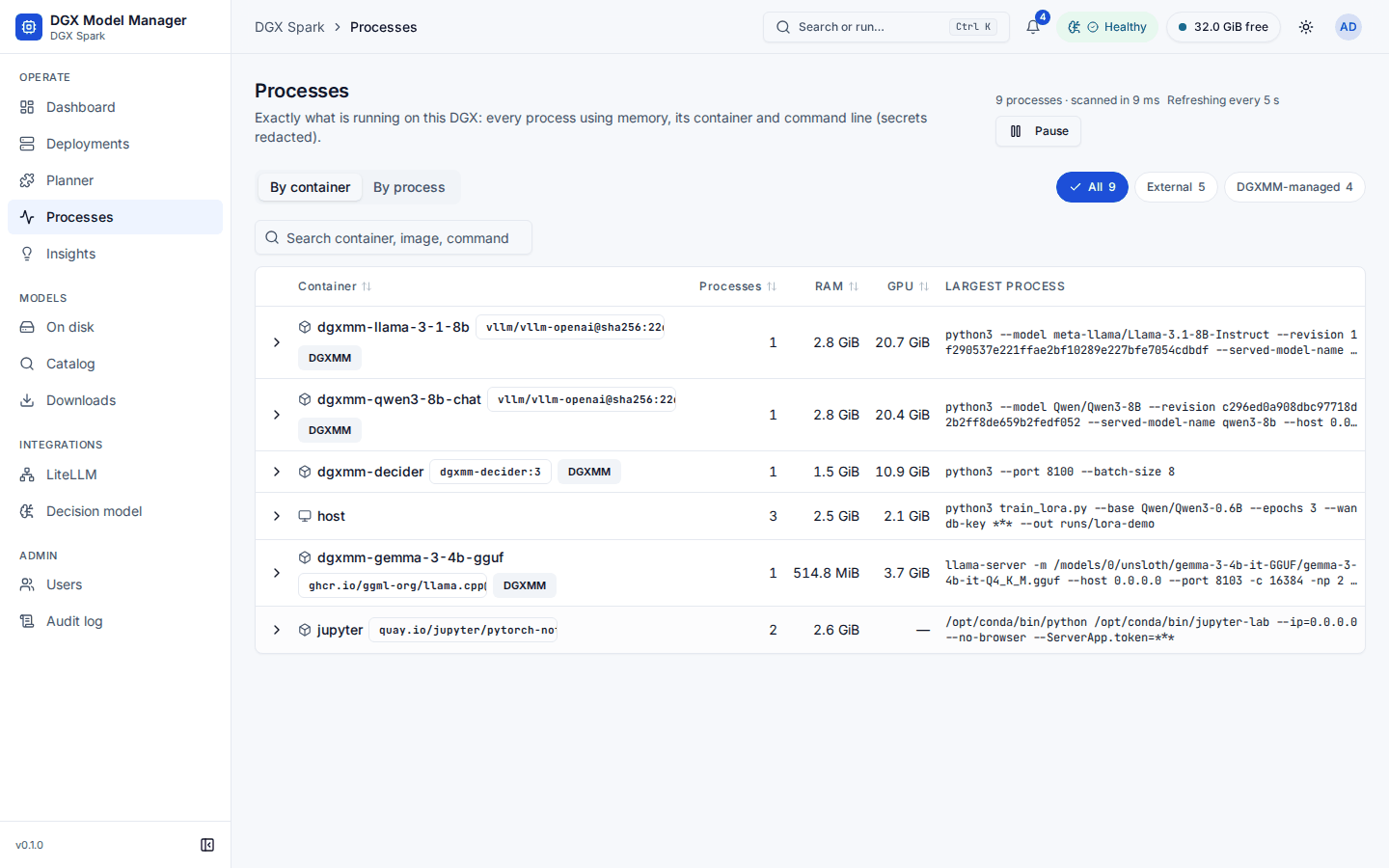 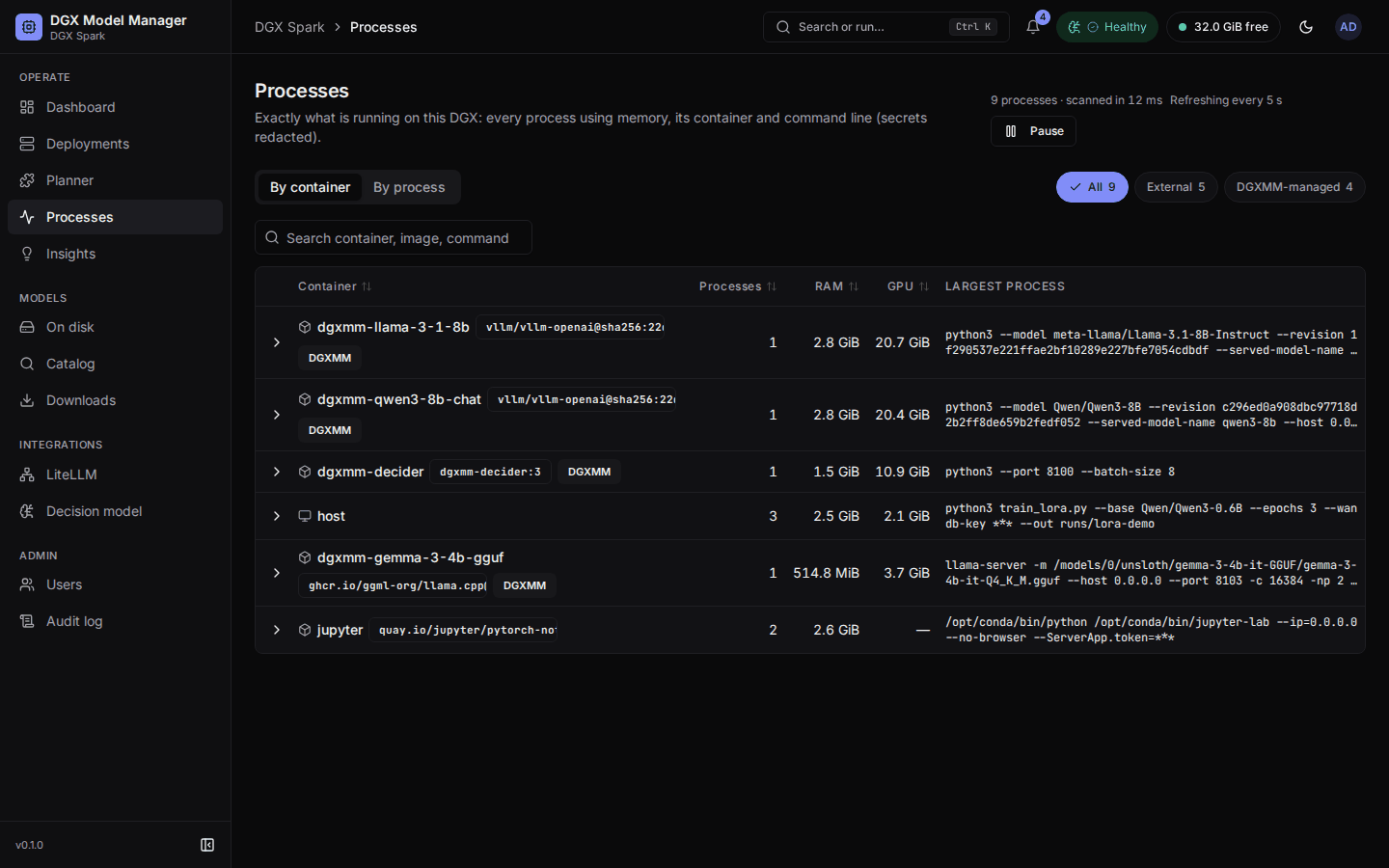 |
| Models on disk | Processes, grouped by container |