Settings
DGXMM has no single settings page. Each setting lives where it is used:
| Setting | Where | Who |
|---|---|---|
| Your password | user menu in the top bar (More on a phone) → Change password | everyone |
| Theme (light, dark, system) | sun/moon button in the top bar, or the command palette | everyone |
| LiteLLM connection: URLs, master key, on/off | LiteLLM page | admins |
| Decision model: on/off, model, per-feature switches and thresholds | Decision model page | admins |
| Pause all schedules | Decision model page | admins |
| Schedules of one deployment | the deployment's Schedules card (schedules) | admins |
| Users and roles | Users page | admins |
The settings changed in the UI are stored in DGXMM's database and win over config.yaml. They apply
immediately, without a restart. Everything else (memory margins, engines, paths, polling intervals,
networking) is set in config.yaml and .env; see the configuration reference.
Theme and mobile
The sun/moon button in the top bar switches between light and dark. The default follows your system setting, and the choice is remembered per browser. The sidebar can be collapsed with the button at its bottom.
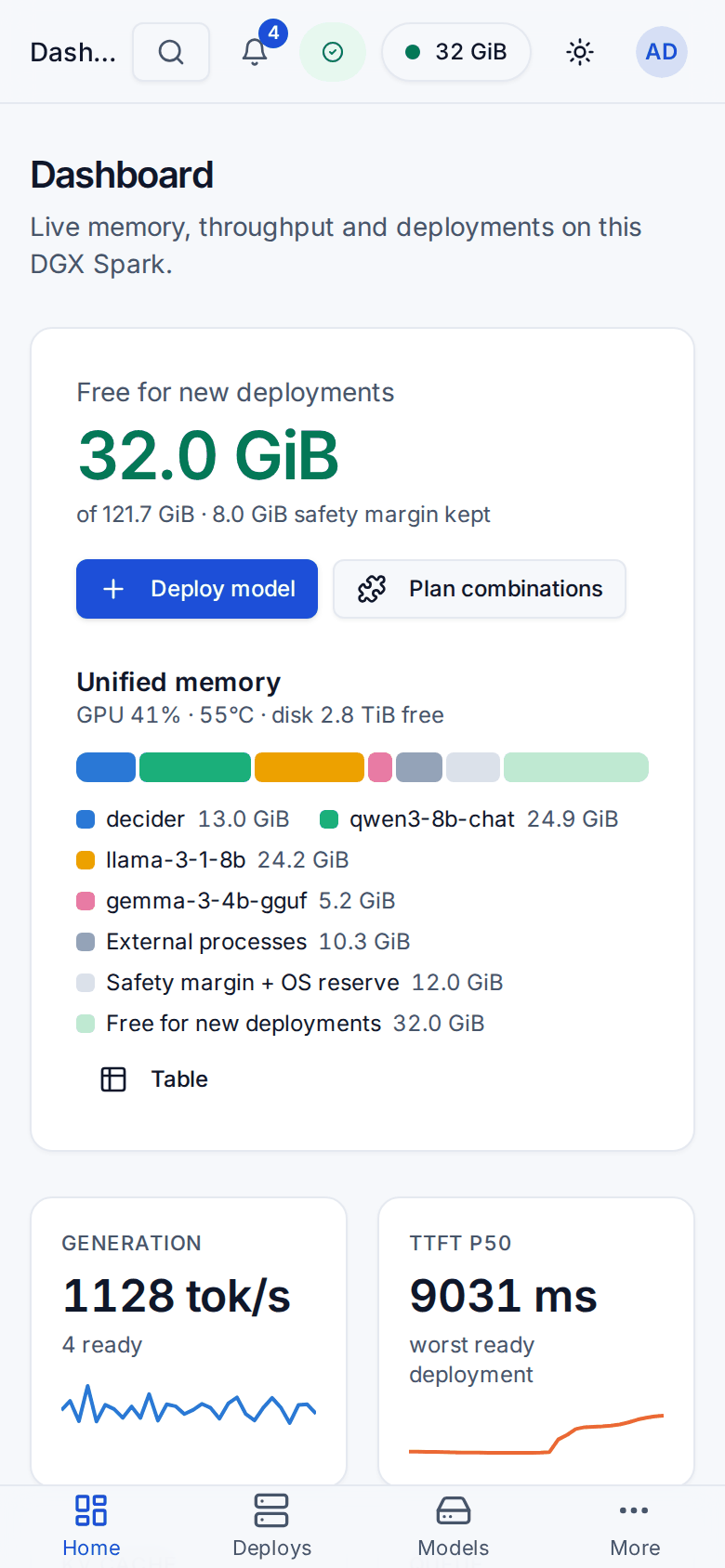
On a phone the layout adapts: tables become cards, dialogs become bottom sheets, and a tab bar gives quick access to Home, Deploys, Models and More.