Deployments
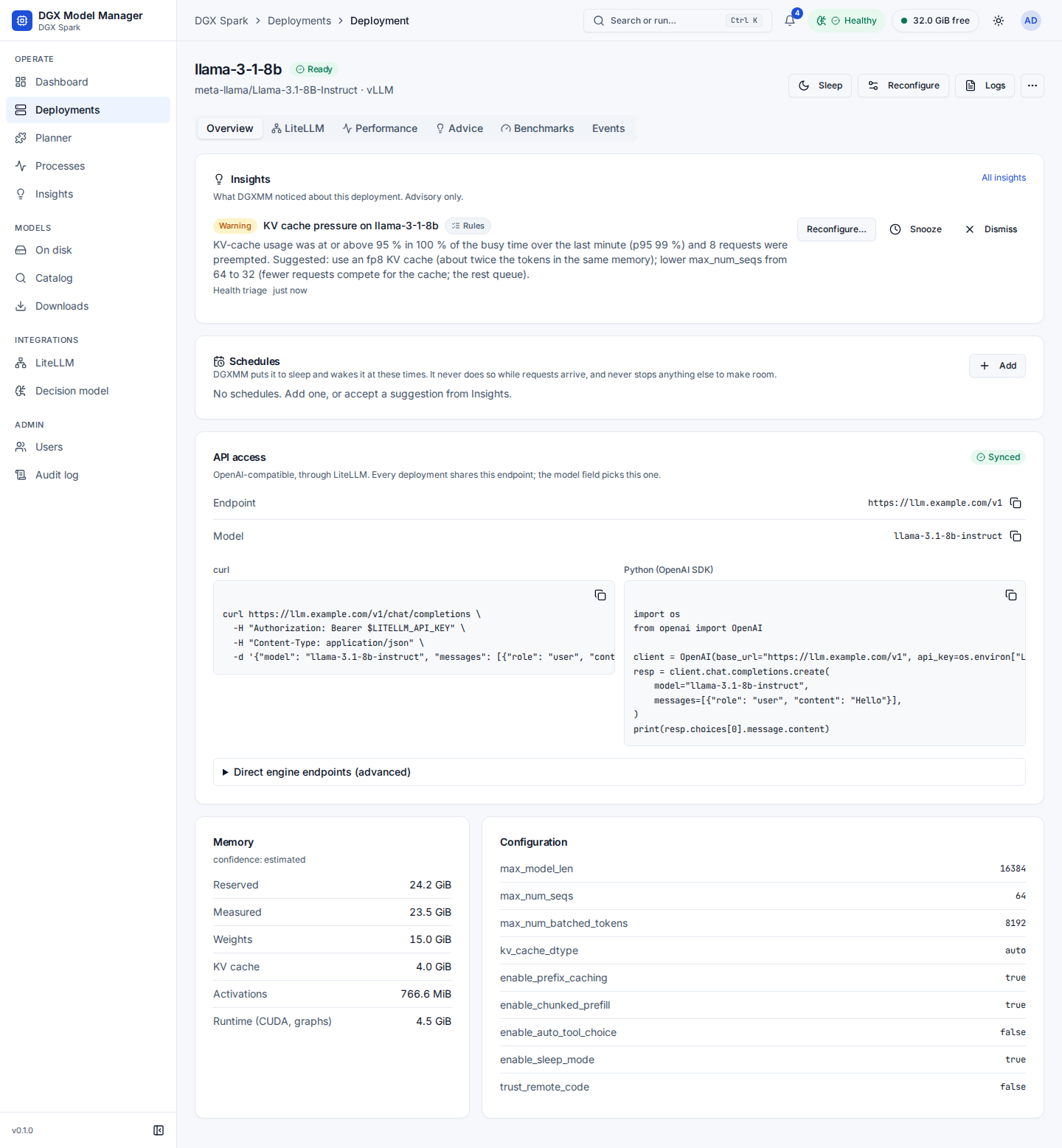
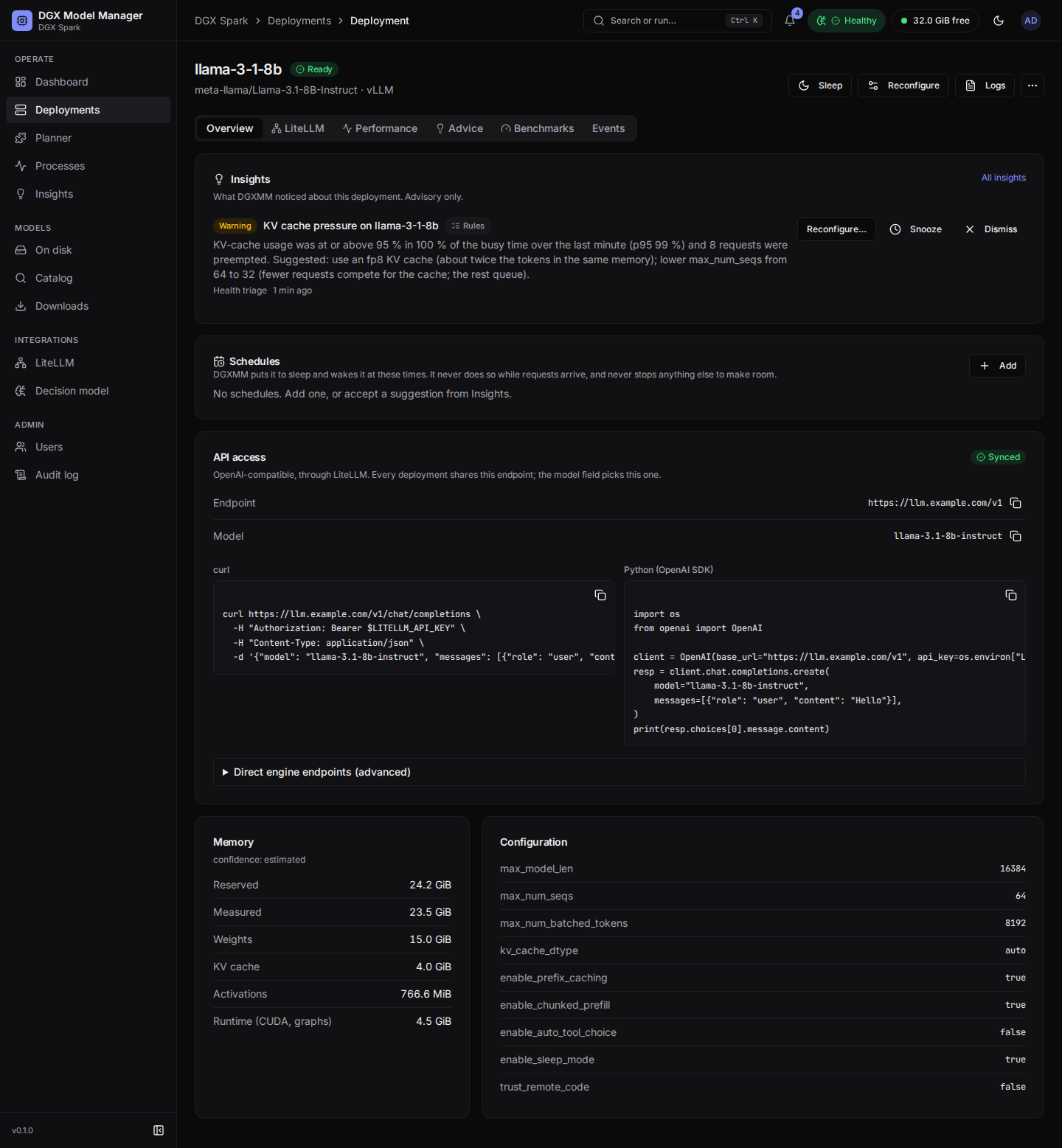
Header actions depend on the state (admins only):
| Action | When | What happens |
|---|---|---|
| Sleep | ready, vLLM with sleep mode | Frees the KV cache. Weights stay loaded for a fast wake-up. LiteLLM deregisters it while asleep. |
| Wake | sleeping | Takes the memory back (only if it is free). Waking re-allocates the KV cache, so it waits for the start-up queue like a start: the page then says Waiting to wake up, and the wake-up continues in the background (the API answers 202 after 50 s). |
| Start | stopped or failed | Starts again with the stored configuration, after a fresh memory check. |
| Reconfigure | ready, sleeping, stopped, failed | Change the configuration with a live memory check. Applying it restarts the deployment. If the new configuration does not come up, the old one is restored. |
| Logs | any | The last lines of the engine container log. |
Switch model… (⋯ menu) |
ready or sleeping | Replace this deployment with another model. DGXMM sleeps or stops this one as needed, moves the LiteLLM model name, and rolls back if the new model does not become ready. |
Stop (⋯) |
running and queued states | Stops and removes the engine container (a queued deployment just leaves the queue). The deployment and its settings are kept. An on-demand deployment is started again by its next request. |
Remove (⋯) |
stopped or failed | Deletes the deployment record. |
Stop and Remove ask for confirmation. Start and Wake are refused when another running deployment has taken this one's model name in the meantime; the notice links to that deployment and offers to set a different model name.
Tabs:
-
Overview: for a failed deployment, a Diagnosis card first (see failure diagnosis); then the Insights card with the open insights about this deployment (when there are any), the Schedules card (see schedules), the Mode card (On demand or Always on and the idle minutes; admins change them with Save mode, see on-demand models), the API access card, memory (reserved, measured, estimate parts and confidence), and the full configuration. API access shows how clients call this deployment: the single LiteLLM Endpoint (
…/v1) and the Model name, each with a copy button, the LiteLLM status, and ready-to-copycurland Python (OpenAI SDK) snippets that read the key fromLITELLM_API_KEY. A warning appears when the integration is off, the model is not registered yet, or the last sync failed. Direct engine endpoints (advanced), collapsed by default, lists the served name and the engine URLs on the Docker network and on the host. Those bypass LiteLLM, so no keys, budgets or rate limits apply. -
LiteLLM: the Model name (admins can change it; empty means the served name), the Registration status with a Re-sync button, and, for admins, Keys with access: the virtual keys that can call this model (keys limited to it, and keys for all models), with Create key for this deployment (the model is preselected). Renaming re-registers the deployment under the new name and removes the old one. If keys are limited to the old name, Also update N key(s) (on by default) rewrites them to the new name, and the result says exactly which keys were updated. Viewers see this tab read-only, without keys.
- Performance: throughput, time to first token, KV-cache usage, queue, inter-token latency and speculative-decoding acceptance. View it live or over 1 h, 24 h, 7 d or 30 d.
- Advice: suggestions from the measured metrics and benchmarks. Examples: an fp8 KV cache, an NVFP4 variant that is already on disk, speculative decoding with a local draft model, more concurrent sequences, a smaller KV pool, chunked prefill, and llama.cpp offload, flash-attention and KV-cache settings. Apply opens Reconfigure with the change filled in. With 30 minutes or more of traffic metrics, a Workload label orders the advice (see workload-aware advice).
- Benchmarks: Run benchmark load-tests the ready deployment at concurrency 1, 4, 8 and 16 (1024-token prompts, 256-token outputs, at most 60 s and 32 requests per level). Results (total and per-request tok/s, TTFT p50/p95, ITL p50) appear as each level finishes and are kept per configuration, so you can compare settings. Only one benchmark runs at a time. Each level gets a reading label badge (Plausible, Contended, Cold cache, Broken); only plausible and unlabelled levels are charted and used for advice.
- Events: every state change with its message. Failures include the container's last log lines
(secrets in them are masked). An engine that exits with code 137 is labelled out of memory only
when Docker reports an OOM kill or the log has the kernel OOM killer's line; otherwise it says killed
by SIGKILL (for example
docker kill, or a stop that timed out), and the memory estimate is not raised.