Processes
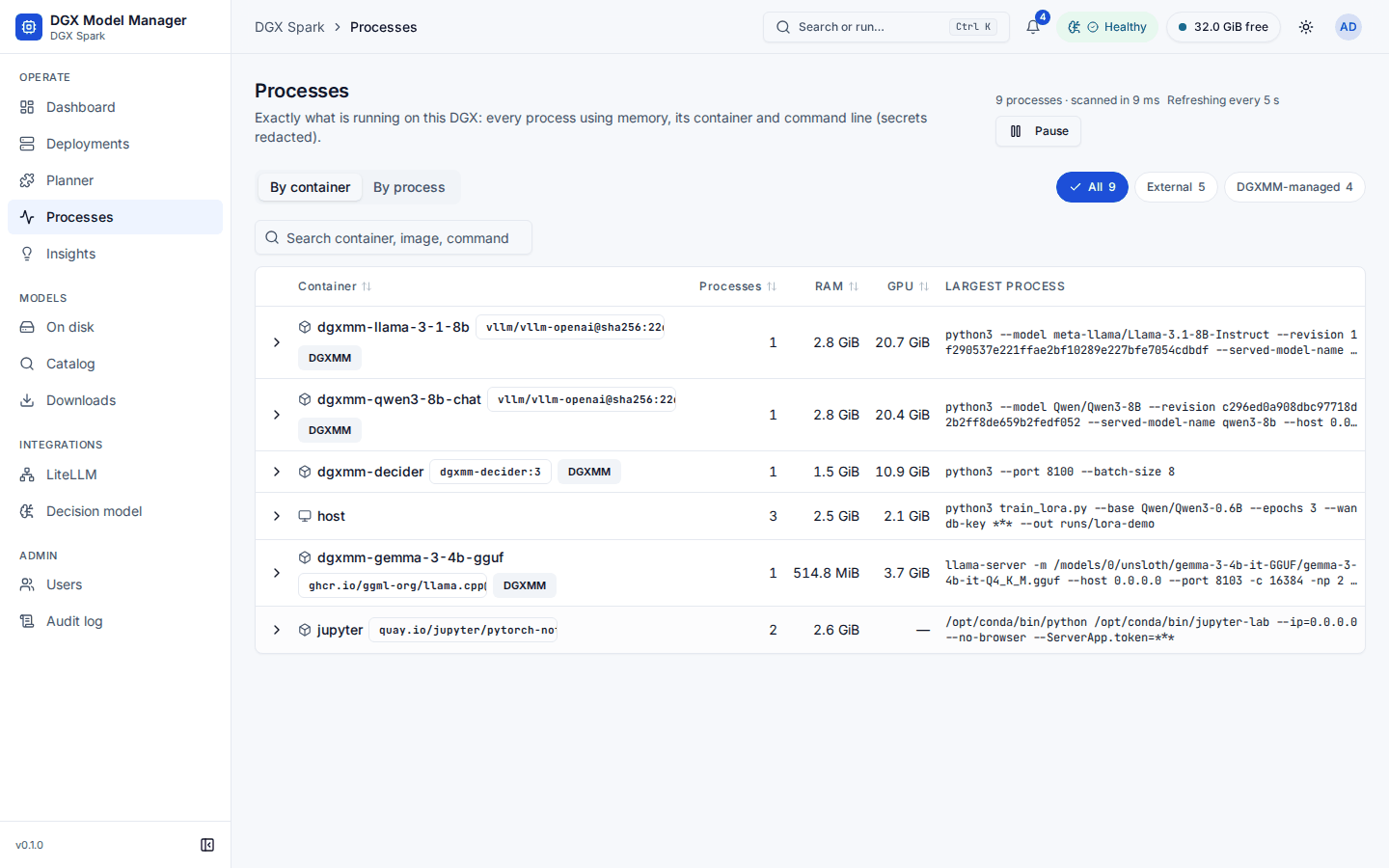
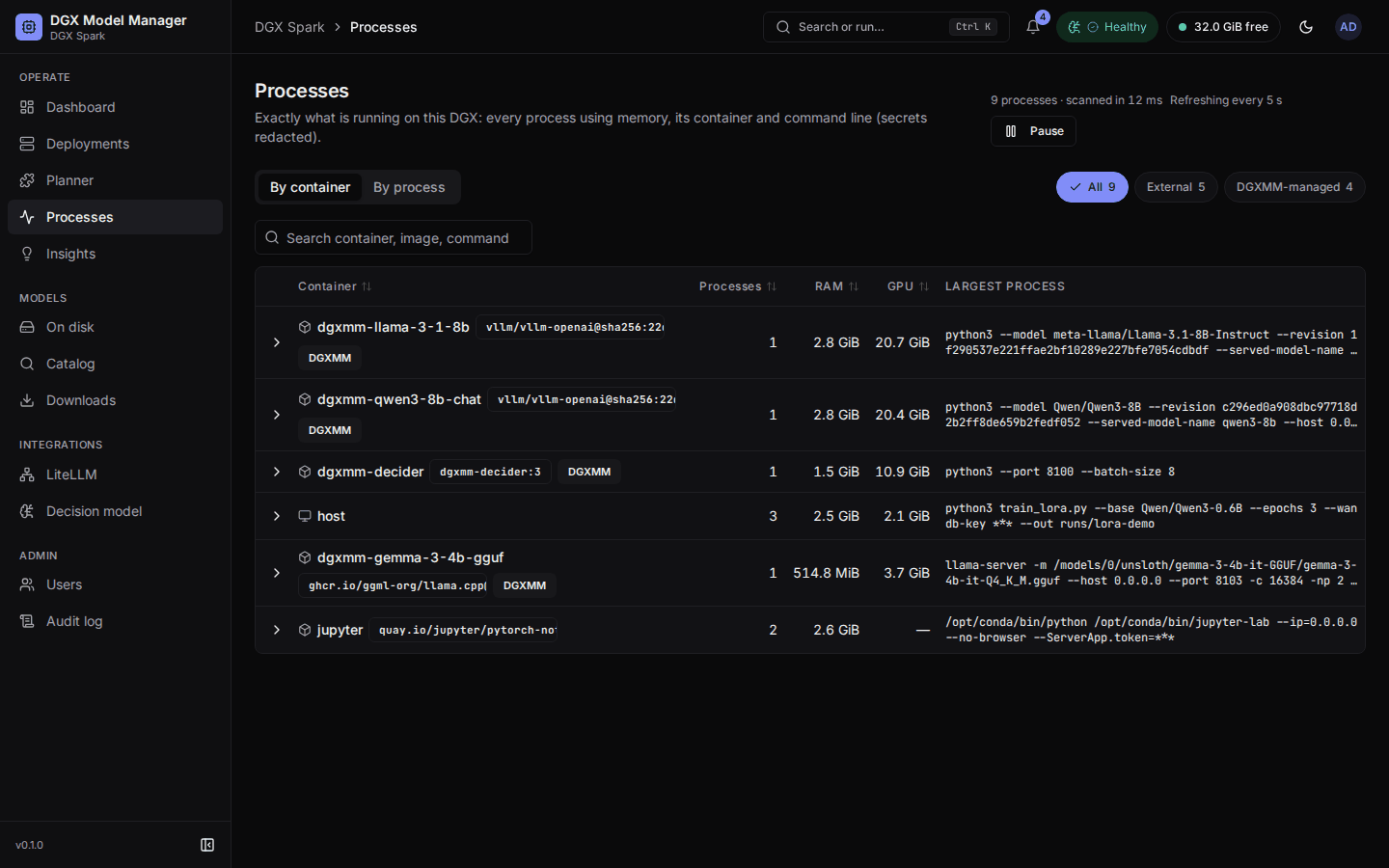
Processes (under Operate, also in the command palette) shows exactly what is running on the box: every process that uses memory, with its container, user and command line. Everyone who can sign in can open it; everyone sees the same masked data.
- By container (default) groups processes per container, with the image, the total RAM and GPU memory and the process count. Processes outside containers are grouped as host. Expand a group to see its processes.
- By process lists them one by one: Command (monospace), Container (name and image, or "host"), User, RAM, GPU and PID, biggest first. Expand a row for the full command with a copy button, the parent pid, the executable, the uid, the container id and the deployment.
- Scope: All, External (what DGXMM does not manage) or DGXMM-managed (its engine containers, marked with a DGXMM badge). A container that carries DGXMM's labels but is not an active deployment is marked DGXMM-labelled; its memory counts as external.
- Search matches the command, container, image, user and pid.
- The page refreshes every 5 seconds. Pause stops that, Resume starts it again.
Details:
- Commands are shown with passwords, tokens and keys masked (
***). Values that cannot be parsed reliably are masked as a whole (fail closed), so you may see more***than strictly needed. Masking is best-effort: it cannot recognise every way a program might take a secret on its command line, so avoid passing secrets as arguments and prefer files or environment variables. DGXMM never reads process environments. - Commands longer than 4 KiB are cut, and the details say so.
- Host processes show the host user name. Processes inside containers show the uid as seen inside the
container, for example
uid 1000 (in container)orroot (in container), because container uids are not host accounts. - Kernel threads, zombie processes and processes using no memory are left out.