Schedules
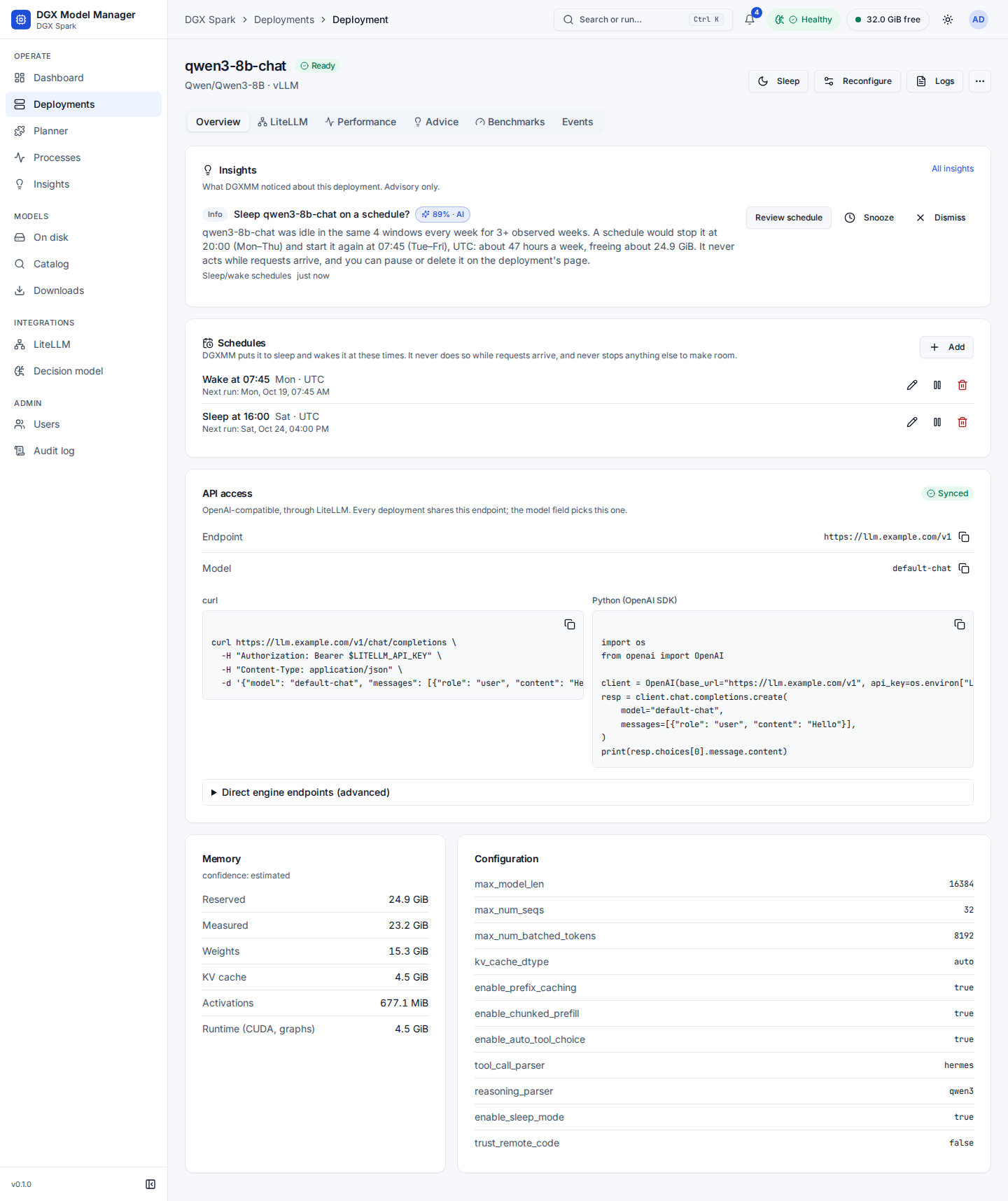
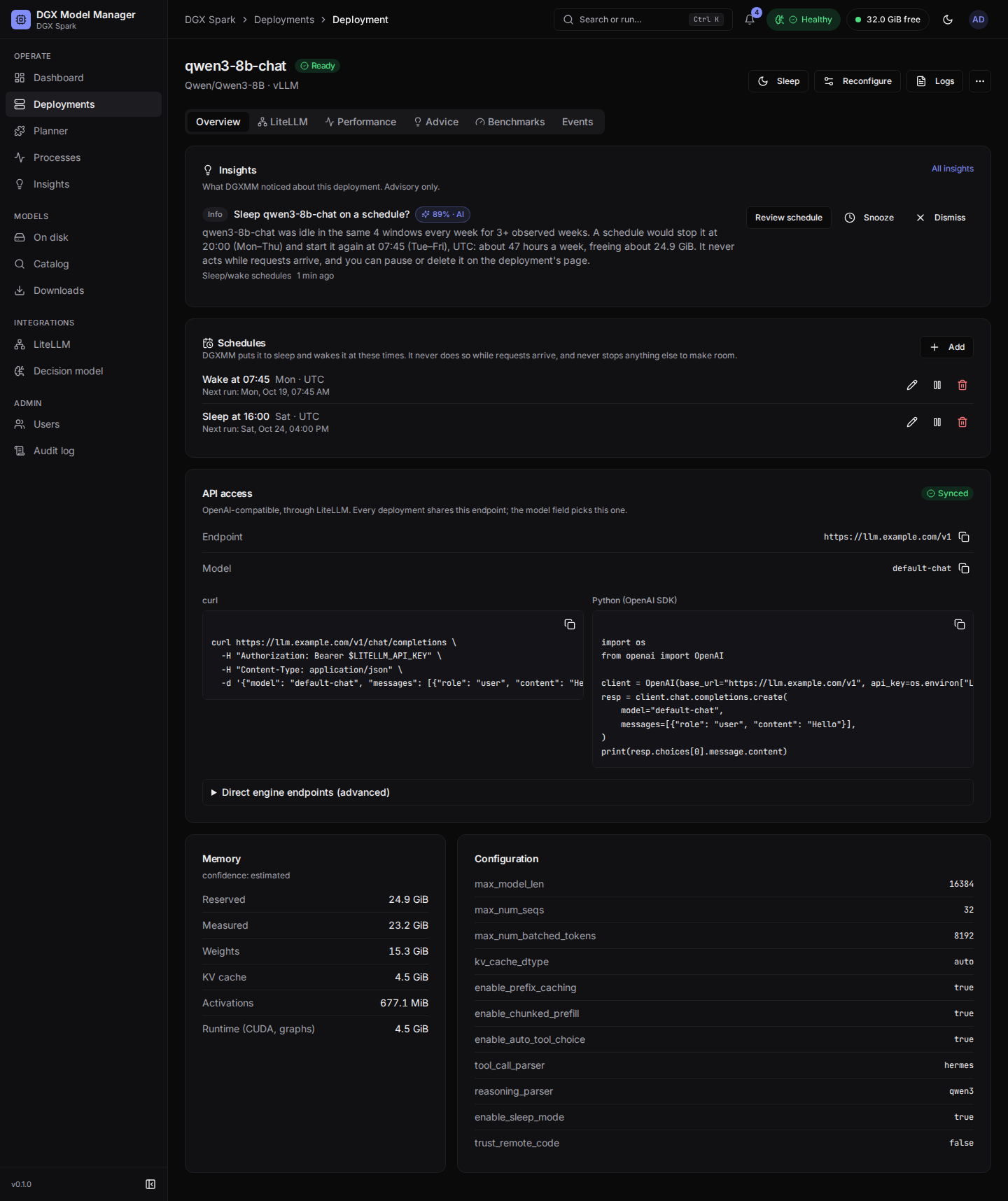
A schedule puts a deployment to sleep (or stops it) and wakes (or starts) it at fixed times that you own. The Schedules card on a deployment's Overview tab lists them with the next run and the result of the last one. Admins can:
- Add a schedule: the action (Sleep, Wake, Stop, Start), the time (HH:MM, 24 h), the days and the time zone (the box's zone by default). Also wake it on the same days at … adds the matching wake-up in one go. The dialog previews the next runs in your browser's time.
- Edit, Pause / Resume and Delete each schedule. A deployment can have at most 16.
- Pause all schedules on the Decision model page (Schedules card): no schedule runs until you resume them; each keeps its own settings.
Sleep is used where it is reliable: on vLLM with sleep mode on, and where a sleep and wake-up has already
worked on that deployment (or it runs with --enforce-eager); otherwise stop and start.
Safety rules. The schedule runner checks every minute and acts through the same paths as the buttons on the deployment page:
- A sleep or stop never happens while the deployment serves requests: it waits until there has been no request activity for 10 minutes and the latest metrics show nothing running or waiting. A deferred slot is shown as Deferred and retried for 60 minutes, then skipped.
- A wake-up or start goes through the memory check and the start-up queue and never stops or sleeps anything else to make room: if it does not fit, it is skipped and an insight says so.
- A wake-up finds the deployment stopped rather than asleep (for example because its sleep fell back to a stop): it starts it only when a schedule stopped it, never a deployment you stopped yourself.
- Each slot runs at most once a day. A slot missed by up to 15 minutes (for example while DGXMM restarts) still runs; older ones are skipped.
- The decision model and other system deployments cannot have schedules.
- If a scheduled sleep or wake-up fails, that deployment's sleep / wake schedules are paused and an insight offers the same times as stop / start.
- Every run is a deployment event and an audit entry by
schedule:<id>.
Schedules keep running when the schedule feature or the decision model is switched off: those switches only stop new proposals. Use Pause all schedules or pause a schedule to stop them.
Proposals. Every night DGXMM builds a weekly traffic profile of each
deployment from the last 30 days of its metrics (at least 7 days are needed) and looks for windows of
2 hours or more that were idle in at least 90 % of the observed weeks. Rules skip a window seen in only
one week or windows shorter than 4 hours; the decision model then decides whether a candidate is worth
proposing (threshold 80 %), or, when it is off, rules propose only very regular windows of low-priority
deployments. A proposal is an insight, Sleep