Insights
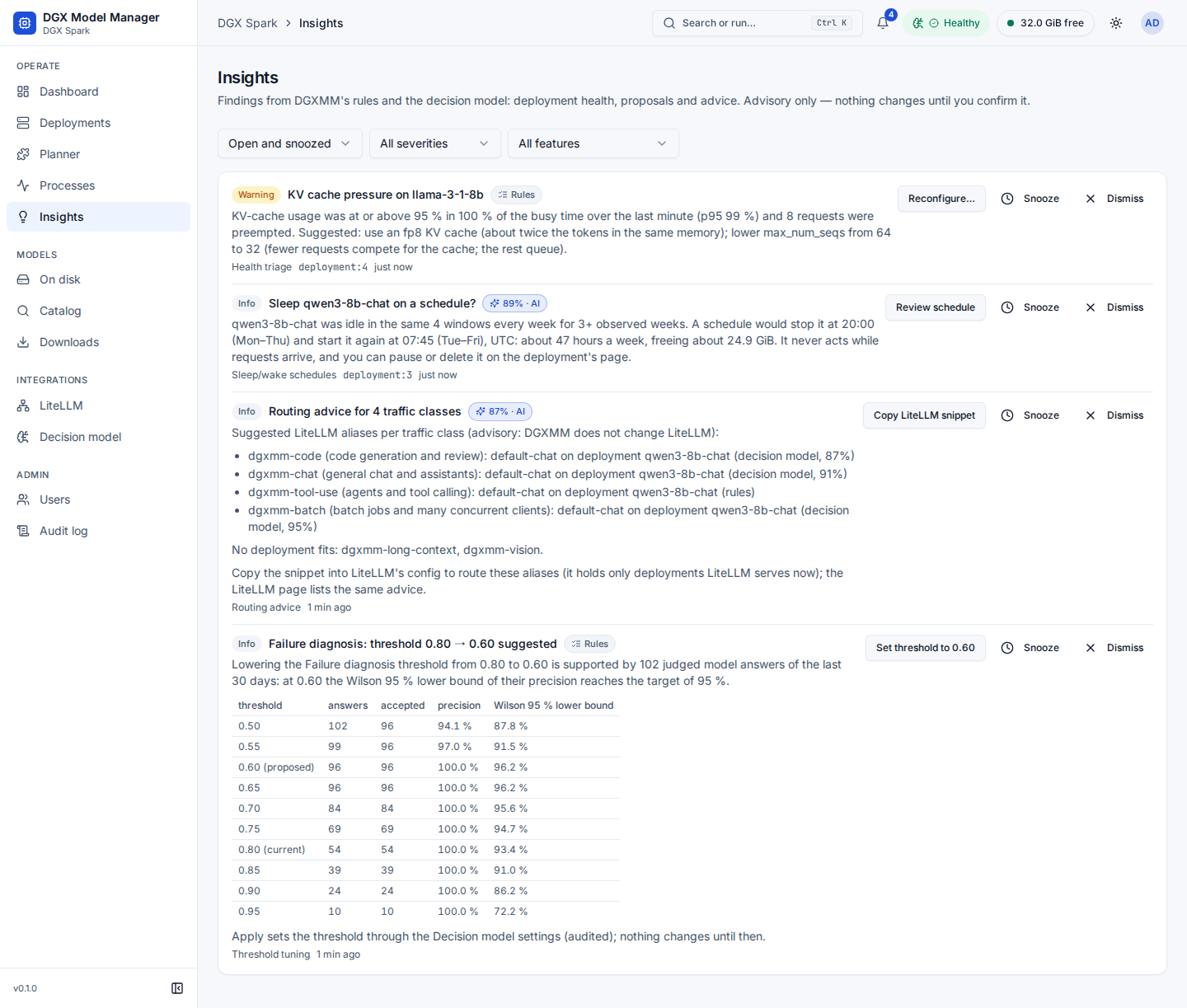
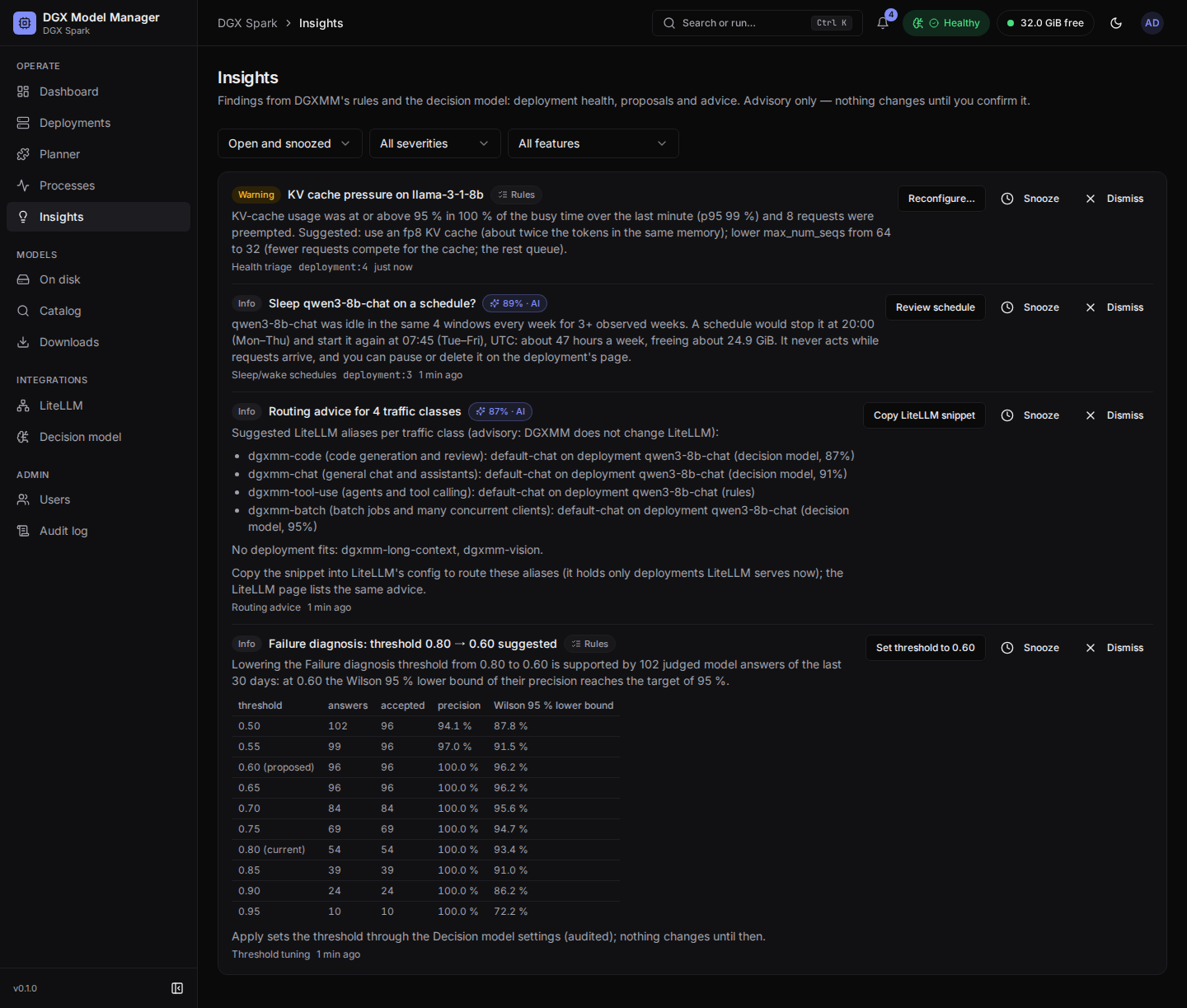
Insights (under Operate; the bell in the top bar shows the open count) collects what DGXMM's background checks found. Each insight has a severity (Info, Warning, Critical), a title, an explanation written from a fixed template with the measured numbers (never model text), its source (Rules, or AI with the decision model's confidence), the feature it comes from and, for an insight about a deployment, a link to it. A deployment's own insights are also shown in the Insights card on its Overview tab.
Insights are advisory. Most have an action button that opens the normal dialog with the change filled in, and nothing happens until you confirm there:
| Insight | Comes from | Button | What it opens |
|---|---|---|---|
| KV cache pressure, Frequent preemptions, Throughput drop, Rising server errors, Clients send bad requests | health triage | Reconfigure… or Open deployment | Reconfigure with the suggested change and the memory check |
| Sleep … on a schedule? | schedule proposals | Review schedule | the schedules it would create, then Create schedules |
| Schedule could not … | the schedule runner | Use stop / start (after a failed sleep or wake-up) or Open (when it did not fit) | the same times as stop / start schedules to create, or the deployment page |
| Broken benchmark reading | reading labels | Open deployment | the deployment page |
| …: threshold 0.80 → 0.70 suggested | threshold tuning | Set threshold to … | a confirmation; the threshold is saved like on the Decision model page |
| Routing advice for N traffic classes | routing advice | Copy LiteLLM snippet | the snippet with a copy button, and Mark as applied |
| … is degraded | the background jobs | — | — (a job failed three times in a row; the DGXMM log has the details) |
Admins can also Snooze an insight (1 hour, 4 hours, 1 day or 1 week) or Dismiss it. Applying an action marks the insight Applied. Filter the page by status (open and snoozed by default, or dismissed, applied, expired, all), severity and feature.
- An insight is updated in place while its condition lasts, not repeated. A health finding clears itself 15 minutes after the checks stop seeing it (one hour when the checks were only inconclusive) and stays visible for another hour. Proposals expire after 7 days. Closed insights are deleted after 30 days, and a deployment's insights with the deployment.
- Viewers see insights of the features that are visible to viewers (health, schedules, reading labels and the like), without action buttons, snooze or dismiss. Routing advice, threshold proposals and the deploy-time features are for admins only.