Command palette
Press ⌘ K (macOS) or Ctrl K (elsewhere), or click Search or run… in the top bar. Type to filter, use the arrow keys, and press Enter to run:
- go to any page;
- Deploy a model, or Deploy <model> for each deployable model on disk (admins);
- Open, Sleep, Wake or Stop a deployment (Stop asks for confirmation);
- switch the theme (light, dark, system), change your password, or log out.
Ask: natural-language commands
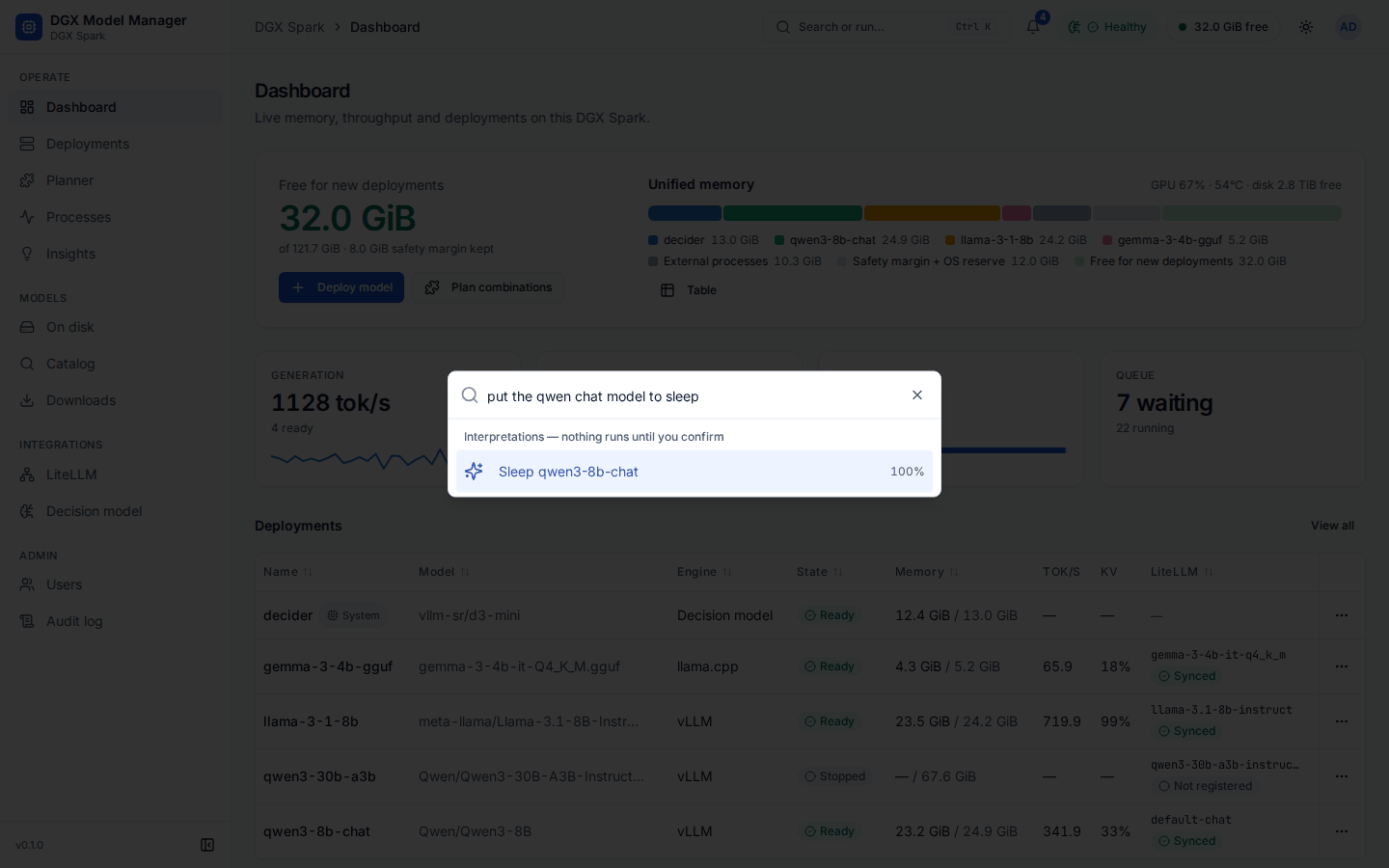
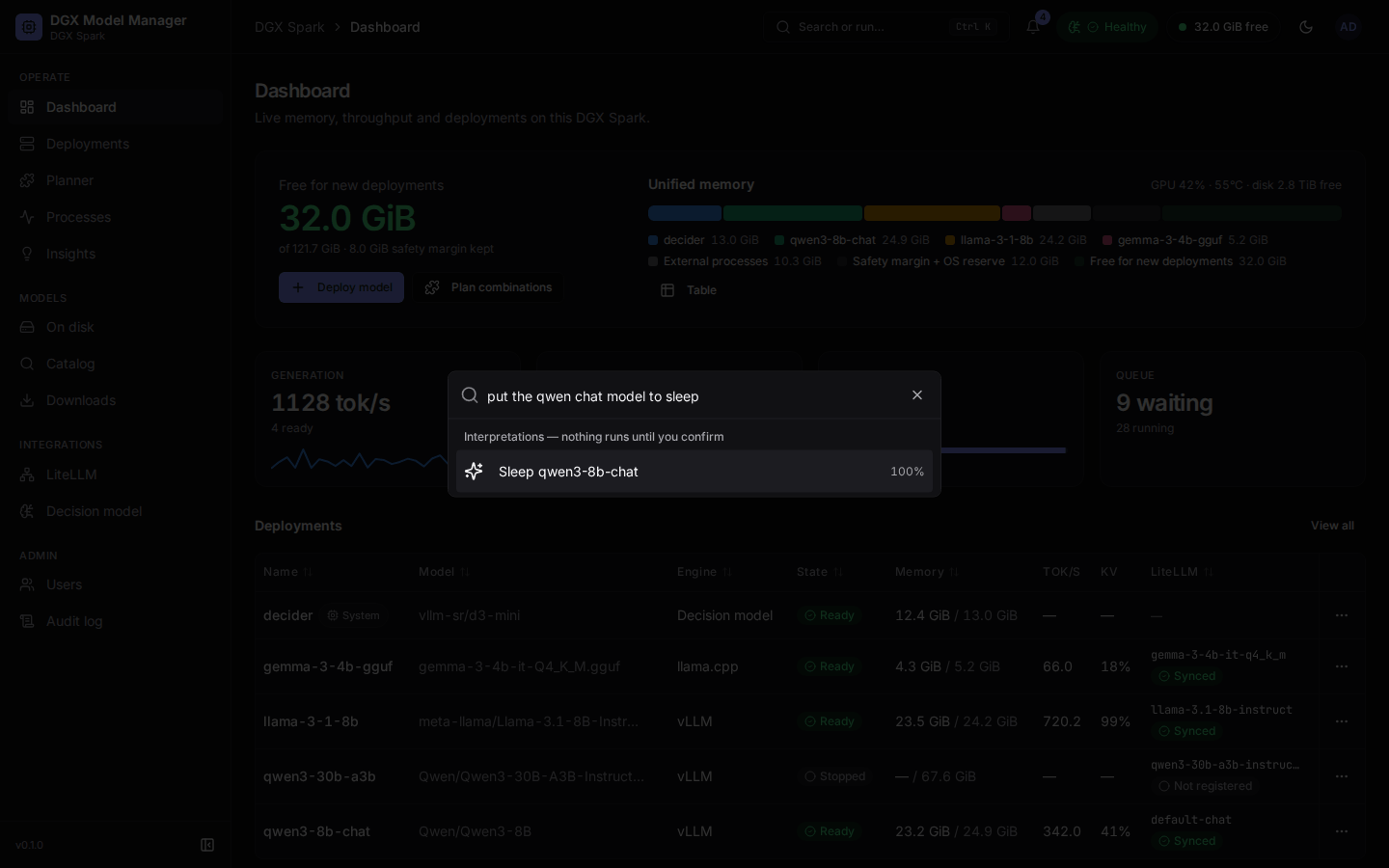
When what you type matches no palette entry, the palette offers Interpret:
- What it can do: open a page; start, stop, sleep, wake or restart a deployment; open the deploy wizard for a model, prefilled (for example "deploy qwen3 0.6b with 8k context"); open Reconfigure for a deployment; and "free 20 GiB", which shows the plans that would free that much.
- What it never does: remove a deployment, delete weights, manage users or act on the decision model. Such requests (also with typos, lookalike letters or paraphrases such as "zap") get no interpretation, only a note pointing to the page where you can do it.
- Choosing an interpretation opens the normal confirmation or dialog; nothing runs on its own. Stopping a ready deployment still asks you to type its name.
- One interpretation is shown when it is clear (at or above the command threshold, 70 %). Otherwise up to three are listed with their confidence, and when nothing reaches 30 % the palette says Couldn't interpret that.
- Numbers (GiB, context lengths) and model names are read by rules, never by the model, and targets are always your own deployments, models and pages. The text is at most 300 characters.
- Viewers get navigation only. It works without the decision model too (rules only), with fewer paraphrases understood.